Key takeaways
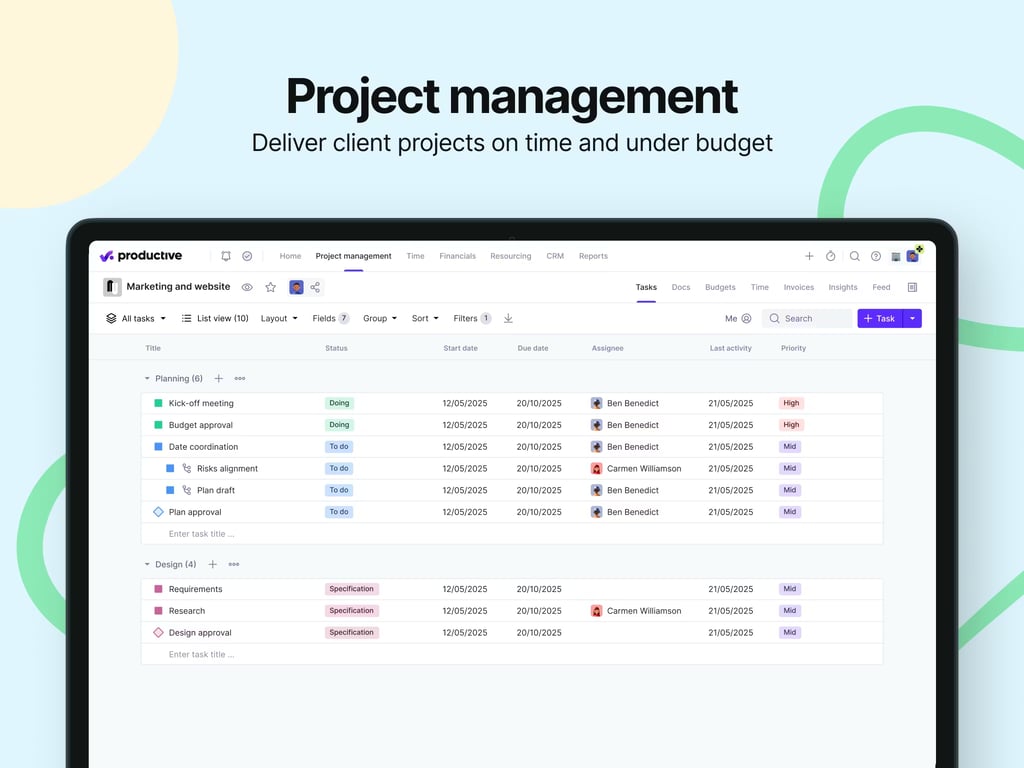
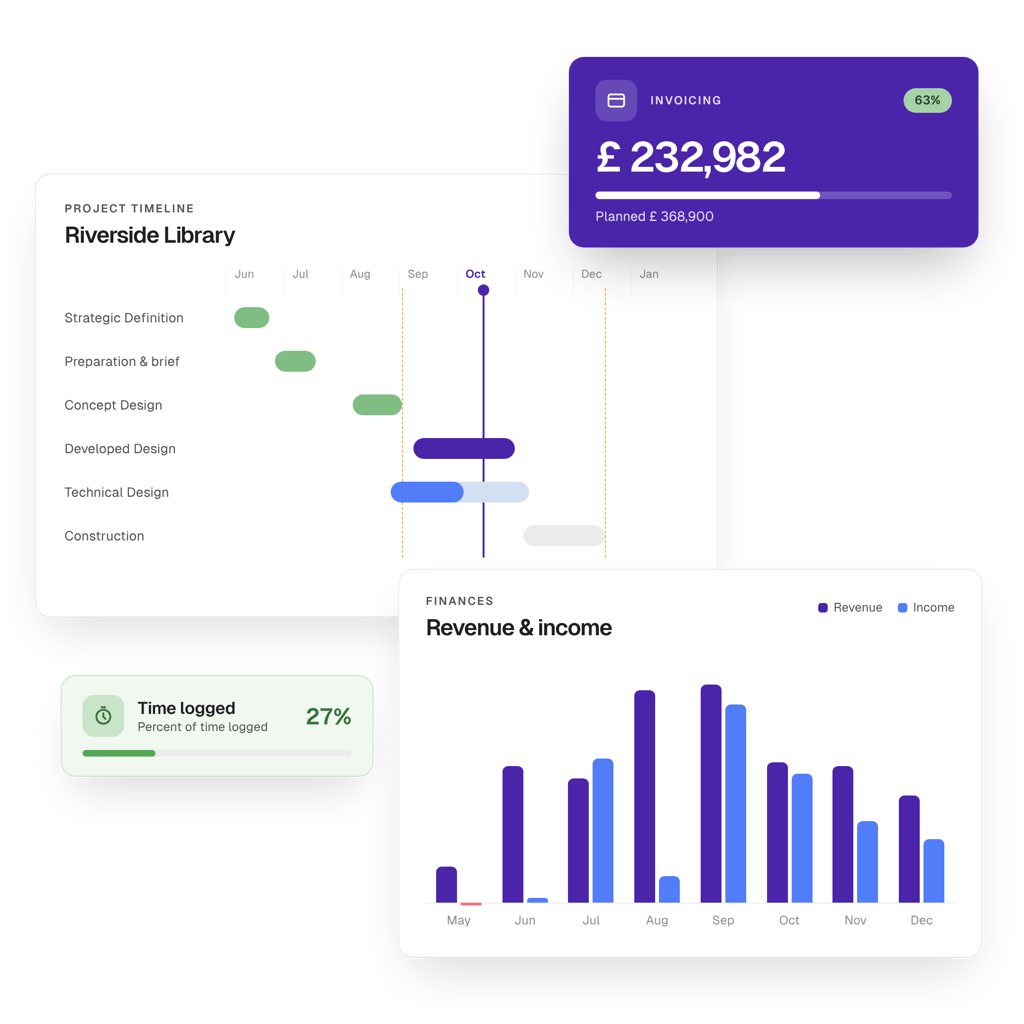
 Choose Productive if project delivery and resource planning are your main priorities. It combines flexible project views, capacity planning, time tracking, budgets and real-time profitability data, with dedicated functionality for architecture and engineering firms.
 Choose Scoro if you need deeper commercial control from quote to invoice. Its estimation matrix, resource bookings, work in progress (WIP) reporting, revenue recognition and billing tools give your finance and project teams more ways to manage complex project economics.
 Both work for architecture, engineering and consulting (AEC) firms. Productive centres resourcing, project delivery and profitability. Scoro adds more detailed quoting, financial reporting and quote-to-cash controls.

Milient Project Flow is the more AEC-focused alternative, built around project planning, resource allocation, time tracking, budgets, and invoicing in one workflow.
Productive and Scoro are both professional services automation (PSA) platforms with dedicated architecture and engineering use cases.
Productive gives project teams flexible delivery, resourcing, and profitability controls. Scoro goes further into quoting, project financials, and billing.
This Productive vs Scoro comparison looks at the features that matter most when an AEC firm is choosing between them.
Productive vs Scoro: At-a-Glance Comparison
Free Resource:
 Compare these platforms with other project management software for architects before narrowing your shortlist.
Who Is Productive Best For?
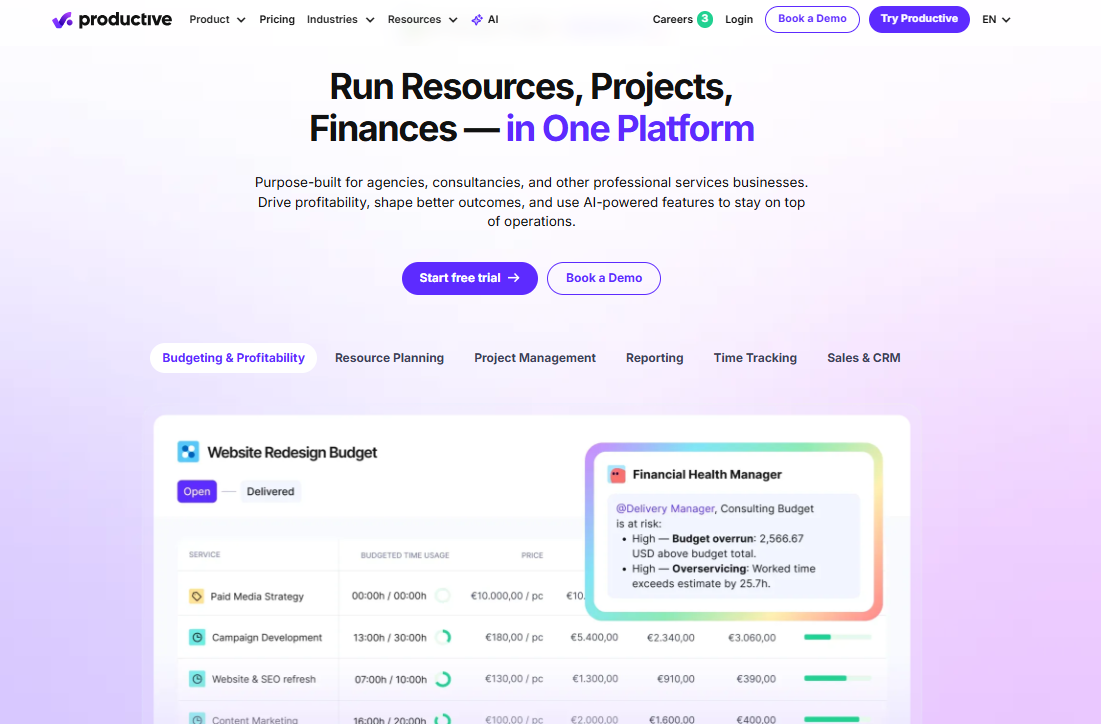
Productive sells to agencies and consultancies, and includes an architecture and engineering vertical. It's a strong fit if you recognise your firm in one of these:
- You bill on service rates: rate cards and recurring budgets handle your blended-rate work without extra setup.
- You split projects into fee stages: you can give design, documentation and construction administration each their own budget inside the same project.
- You want clients to see progress: add them directly, then use the Permission Builder to control exactly what each person sees.
- You collaborate inside the tool: Docs, Forms, and public forms sit next to your tasks instead of in a separate app.
- Your team tracks time across devices: they log hours on web, desktop, or mobile, and the AI fills their timesheets from calendar events.
Side Note
See how productive compares against Milient Project Flow and other time tracking software for architects.
Who Is Scoro Useful For?
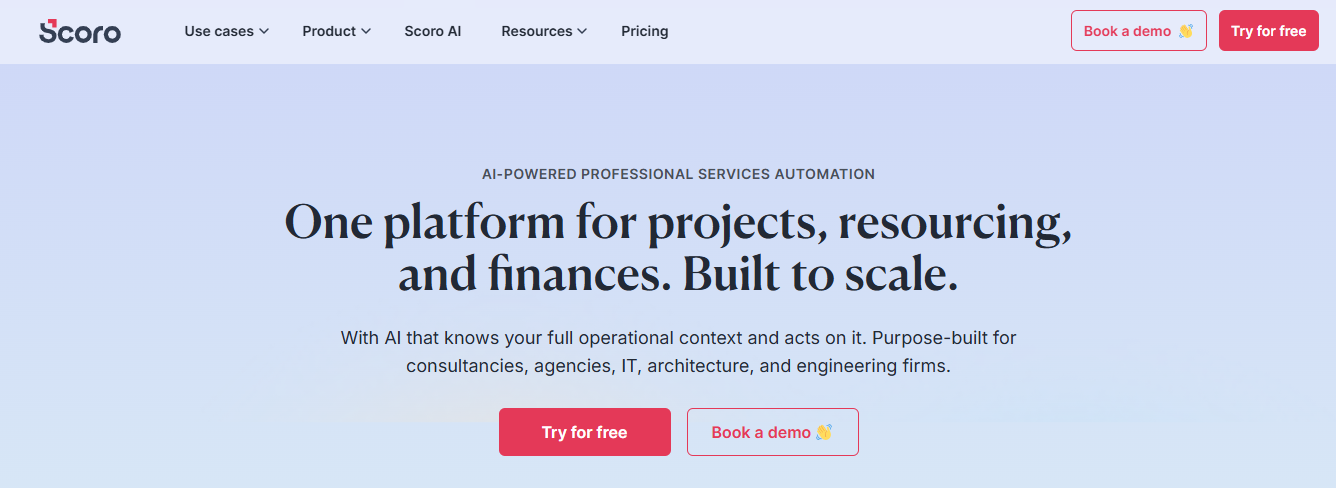
Scoro sells by workflow, with dedicated pages for architecture, engineering and construction, consultancy, and IT services. Look for your firm here:
- You run fee-stage projects: phases, milestones and fee invoicing sit in one system, and you can watch fee utilisation as the work happens.
- Finance leads your firm: WIP reporting, revenue recognition and financial document approvals all live in Advanced Financials.
- You quote multi-role deliverables: the estimation matrix prices several seniorities against a single client-facing line.
- You need role-based access: you set app access per user, so finance can hold Invoice and Spend without handing them to everyone.
- You already run Sage Intacct or Salesforce: both integrate natively here, and neither connects to Productive.
Side Note
See how we compared Scoro against the best architecture billing software of 2026.
Milient Project Flow: Built for AEC Firms Rather Than Adapted for Them
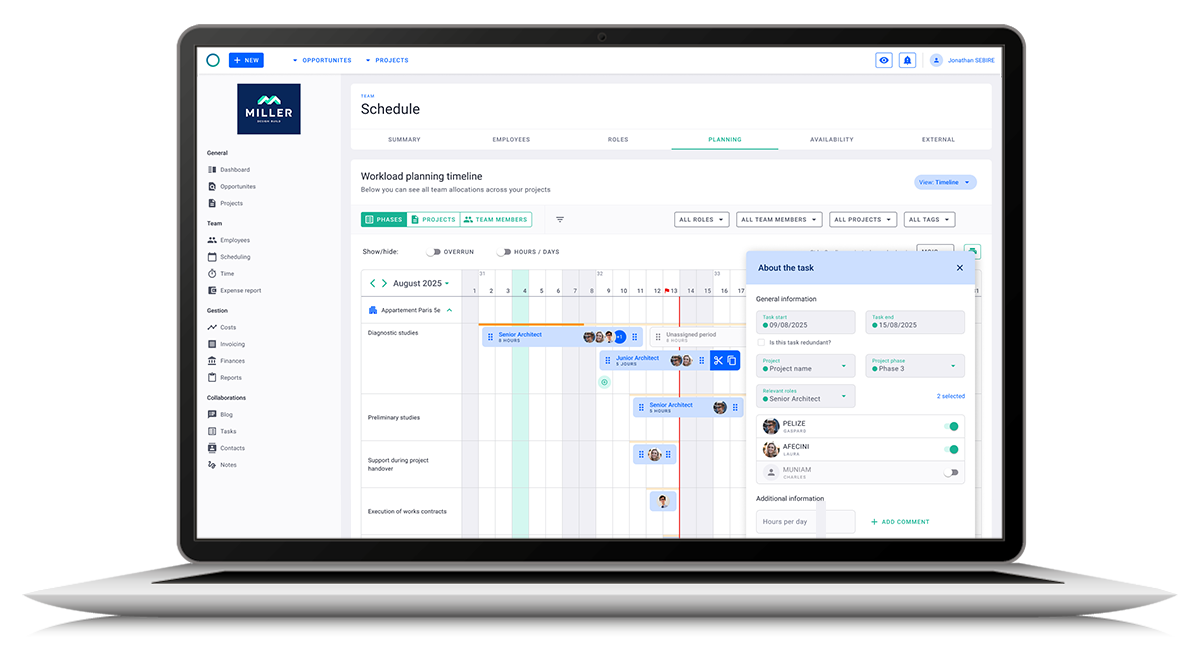
Productive and Scoro can both serve architecture and engineering firms, but that's not their main focus. Milient Project Flow prioritises the AEC project itself, keeping phases, people, hours, budgets and invoices connected from offer to invoice.
It suits you if you're:
- An architecture practice managing phased projects, fee budgets and resource commitments together.
- An engineering firm or consultancy that wants staff planning and project finances connected, without buying a broader PSA built around workflows you'll never touch.
- A growing AEC firm replacing spreadsheets and disconnected project, time and invoice records.
- A practice leader who needs current project cost, margin, and billing data without waiting on a separate finance report.
Here's how pricing compares across all three platforms:
Price
Price isn't a like-for-like comparison here. Productive packages most of its functionality into three subscription levels.
Scoro now lets you combine individual project, resource, sales, and finance apps according to the workflow you need.
Productive
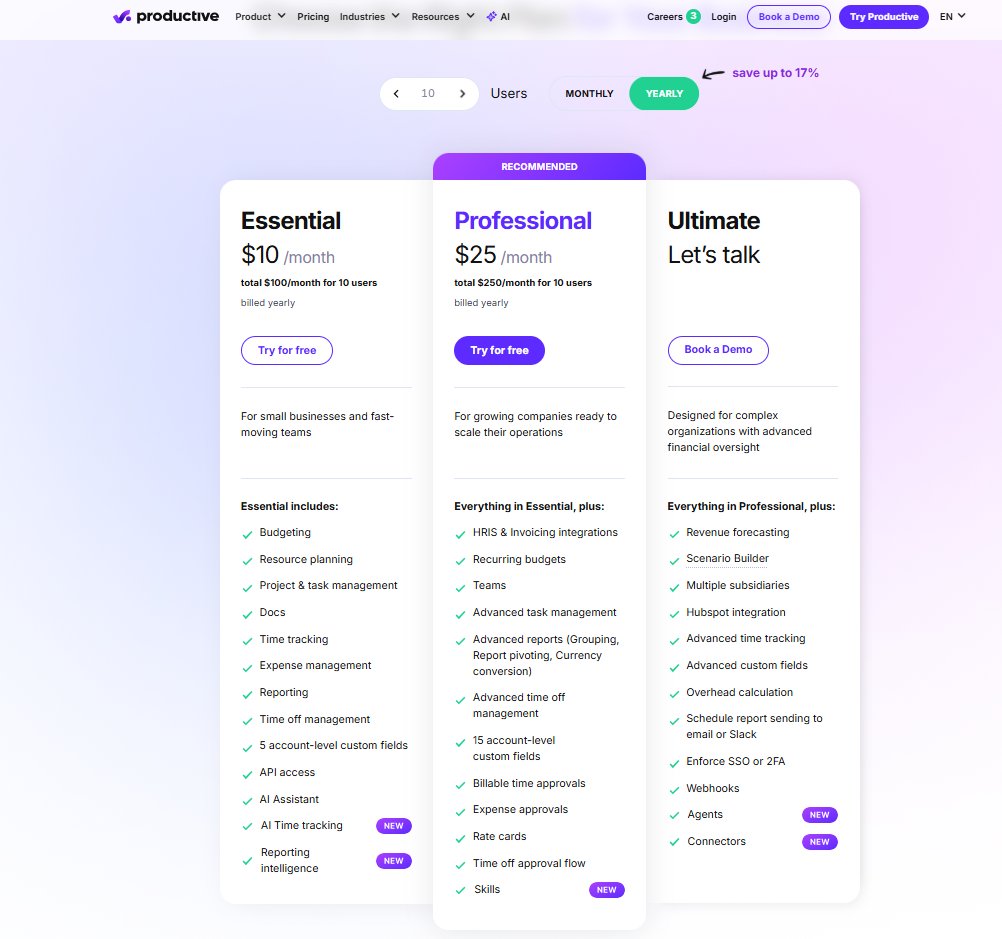
- Essential, from $10/user/month: your core kit, covering budgeting, resource planning, project and task management, Docs, time tracking, expenses, and reporting.
- Professional, $25/user/month: adds recurring budgets, advanced task management and reporting, rate cards, skills and billable-time approvals.
- Ultimate, custom quoted: where revenue forecasting, Scenario Builder, multiple subsidiaries, overhead calculations and advanced time tracking come in.
Scoro
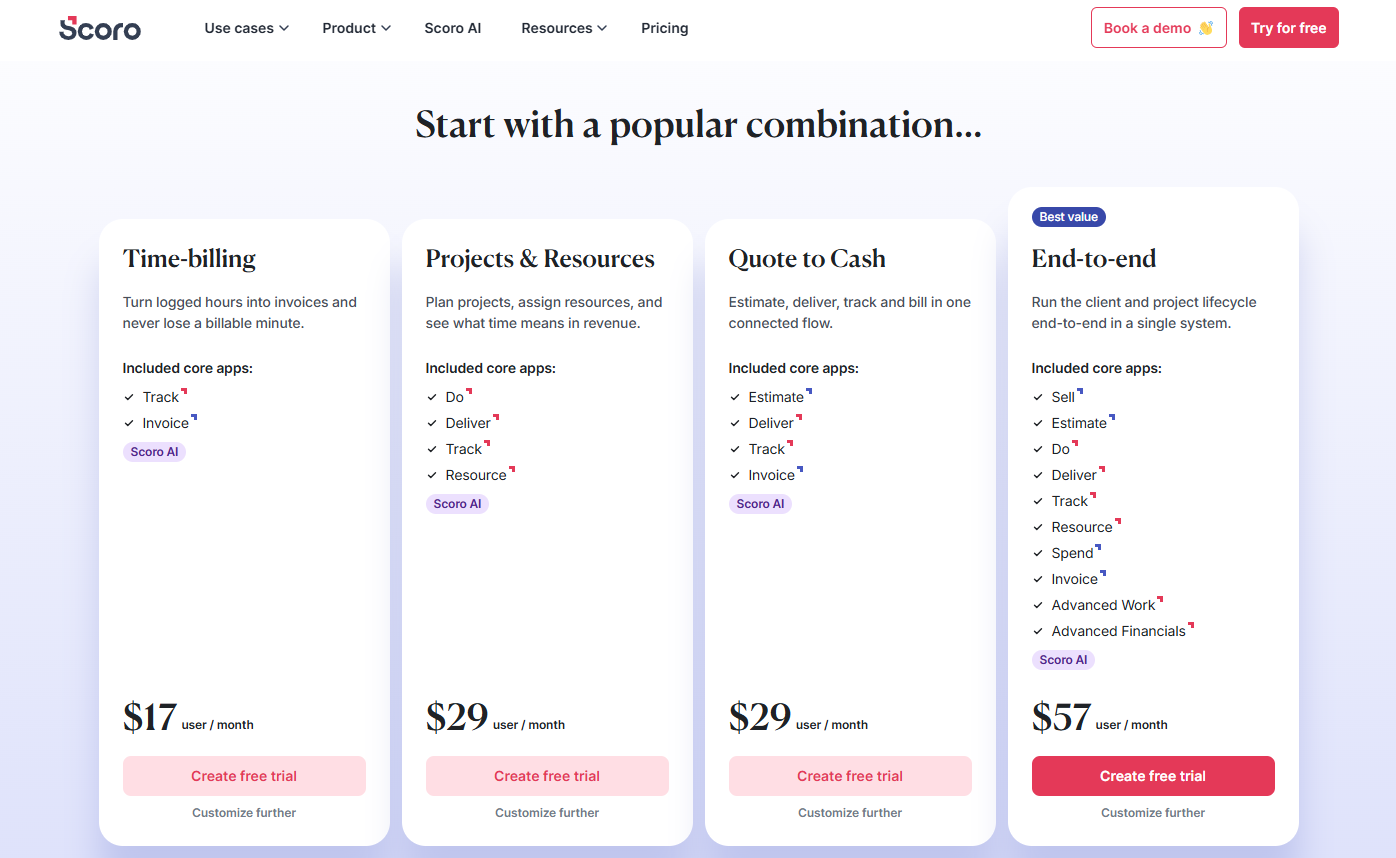
- Combinations from £17/user/month: you price around eight core apps rather than one fixed bundle.
- Projects & Resources, from £29/user/month: combines task management, project delivery, time tracking and resource planning.
- End-to-end, from £57 per user/month: adds the wider sales, estimating, expense and invoicing workflow.
- On Capterra, Faiz A says Scoro “is a little expensive but the quality is professional and 100% real.”
Verdict
Productive makes it easier to forecast your cost upfront, because the core project, resource, and time features sit inside defined tiers.
Scoro gives you more control over which operational areas you buy, but working out your total cost means first identifying every core app and add-on your workflow needs.
Project Management
AEC project management software needs to handle more than tasks. You're really looking at how each platform structures phases, deadlines and delivery information, then connects that work back to your project budgets and people.
Productive
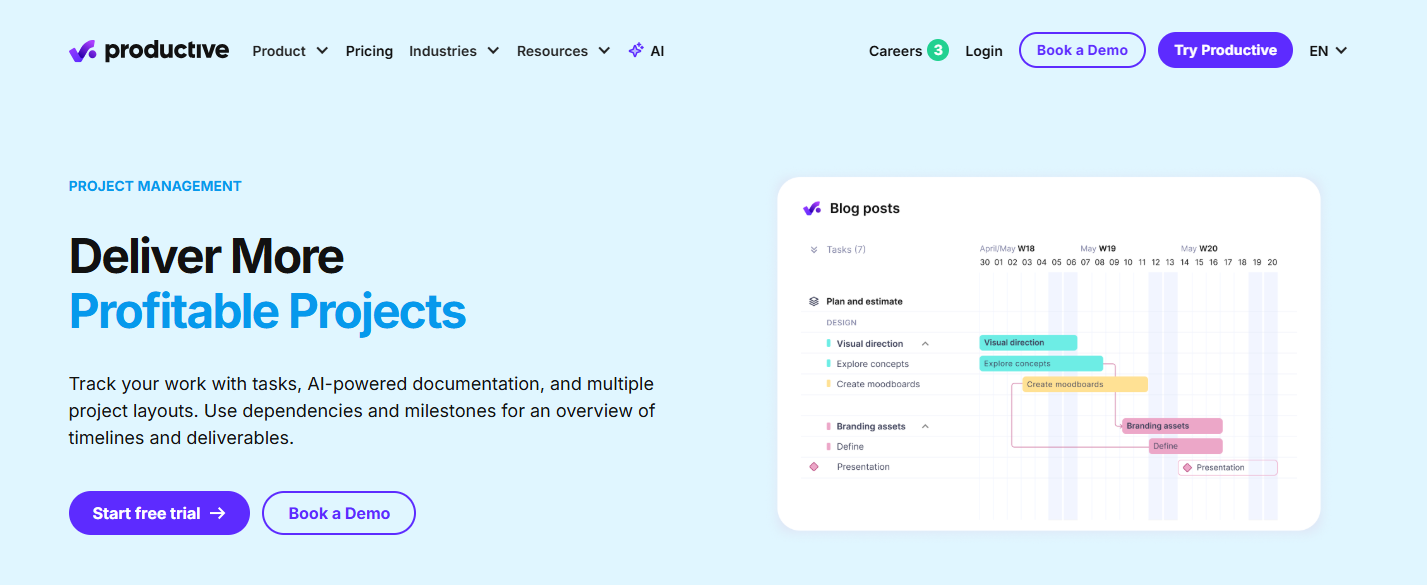
- You pick the view: work in Gantt, board, calendar, or whichever of the seven layouts suits how your team thinks about the project.
- You structure delivery your way: organise the work with tasks, subtasks, dependencies, and milestones.
- You keep context in the project: Docs and Forms sit inside the project alongside your tasks and reports.
- A verified user on G2 says Productive “does a great job at project management,” although the platform can feel “slightly complex during the initial setup.”
Scoro
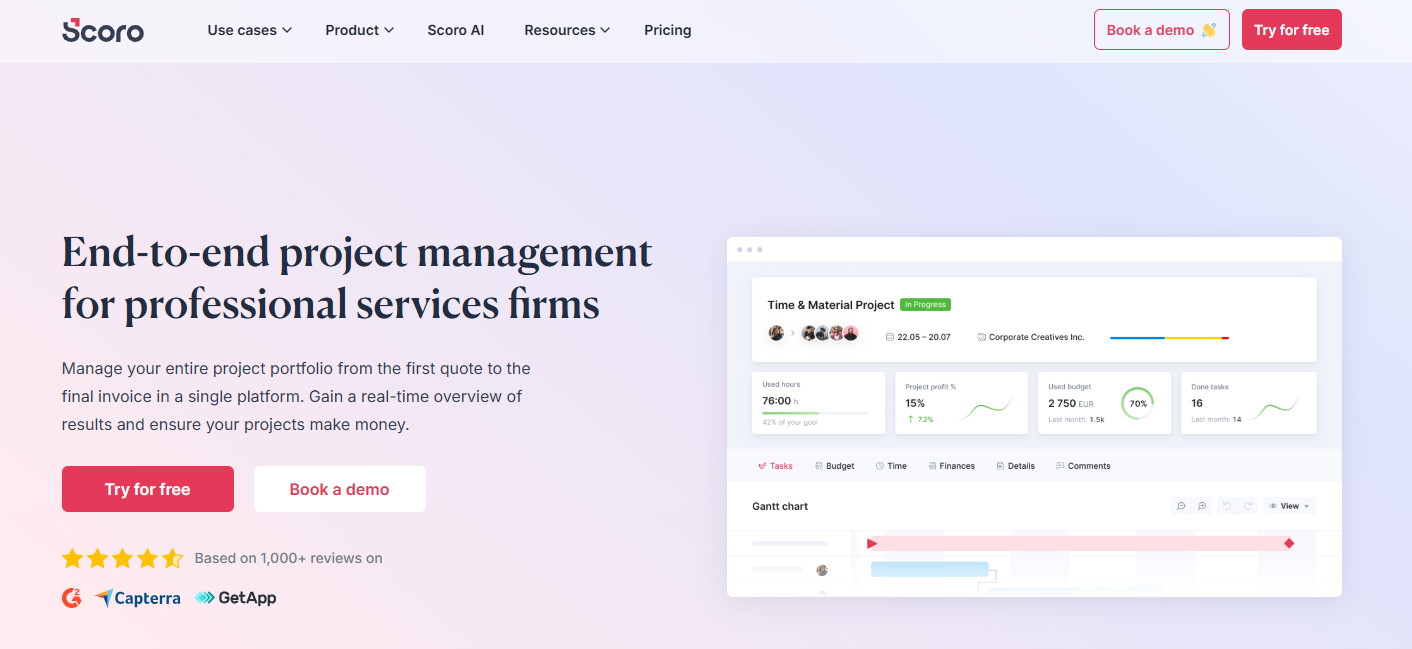
- You get a tighter structure: Gantt charts, dependencies, phases, milestones, and templates give each project a defined shape.
- You see the whole portfolio: view every project on one timeline instead of opening each schedule separately.
- Your quote becomes the plan: Scoro turns quoted services and their assigned roles straight into project work and resource bookings. The project record connects your planned work with costs, income and performance, not just task status.
- Syed Arif K says Scoro is “the best for managing and tracking the project.”
Verdict
Productive is stronger if you want more choice in how day-to-day work gets displayed and documented. Scoro has the edge when your project plan needs to inherit structure from quoting and feed straight into resourcing and commercial reporting.
Time Tracking and Management
For your firm, time data feeds project cost, fee burn, utilisation and invoicing all at once. So it comes down to two things: how easy the hours are to capture, and how much financial meaning each platform attaches to them once they're in.
Productive
- You capture hours several ways: log them in daily, weekly, or calendar views, run a timer, or let the AI track time for you.
- Planned work feeds the timesheet: your resource bookings can show up as suggested time entries.
- You control approvals: managers can approve billable time or request changes before anything touches a budget or profit figure. Time off also feeds directly into your capacity planning.
- On Capterra, Leo S shares that Productive offers “Powerful time tracking that helps us monitor work and productivity.”
Scoro
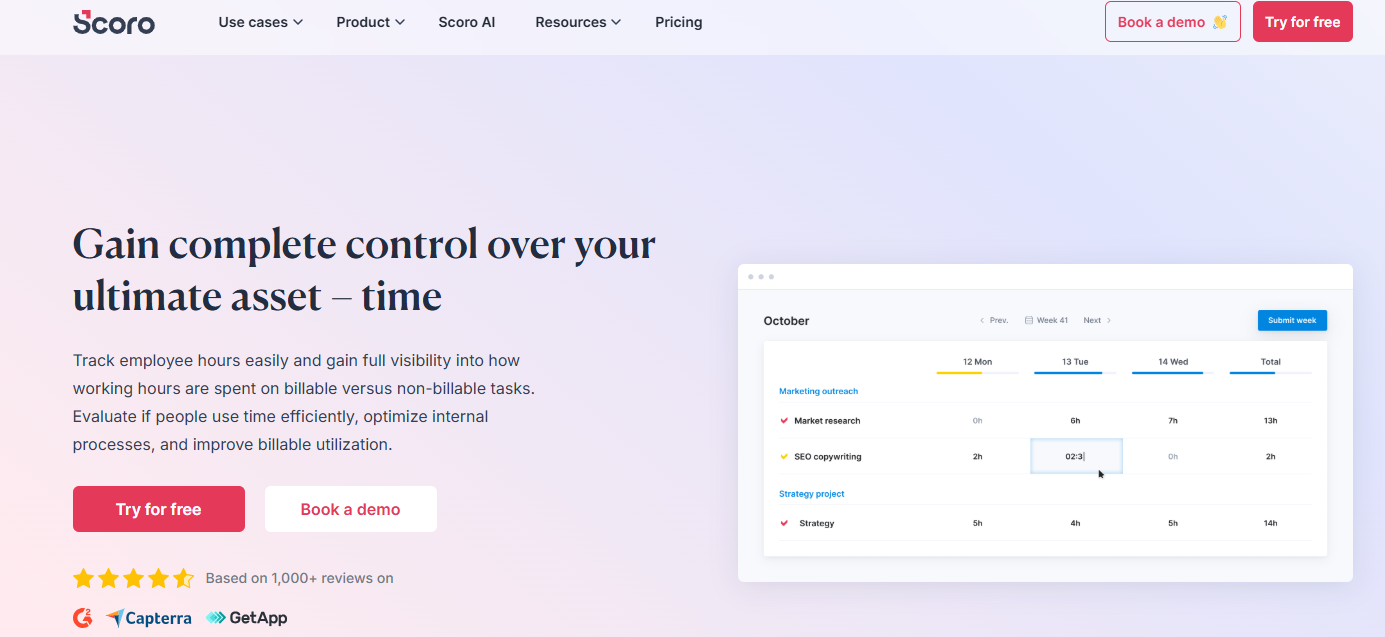
- You control billable status: classify time as billable or not at both the task and individual-entry level.
- You capture it several ways: use a timer, timesheets, or calendar-driven work reports.
- Time flows into billing: approved project time can feed client invoicing instead of being transferred by hand.
- Scoro also uses planned activities to prefill timesheets and connect your time with labour cost.
- Still, some reviewers like Katie M say, “We had many issues regarding time tracking,” adding that support was also not very responsive to address the issues.
Verdict
Productive gives you more flexibility in how time gets captured, including AI-assisted entry and resource-plan suggestions.
Scoro puts more weight on what happens to that time afterwards, with granular billable status, labour cost, and billing tied closely into its financial workflow.
Resource Planning
Project resource planning should tell you who can take on new work, how a tentative project would change demand if it lands, and whether your current allocations still support the commercial plan.
To learn more, read our guides on: resource allocation & resource levelling vs resource smoothing.
Productive
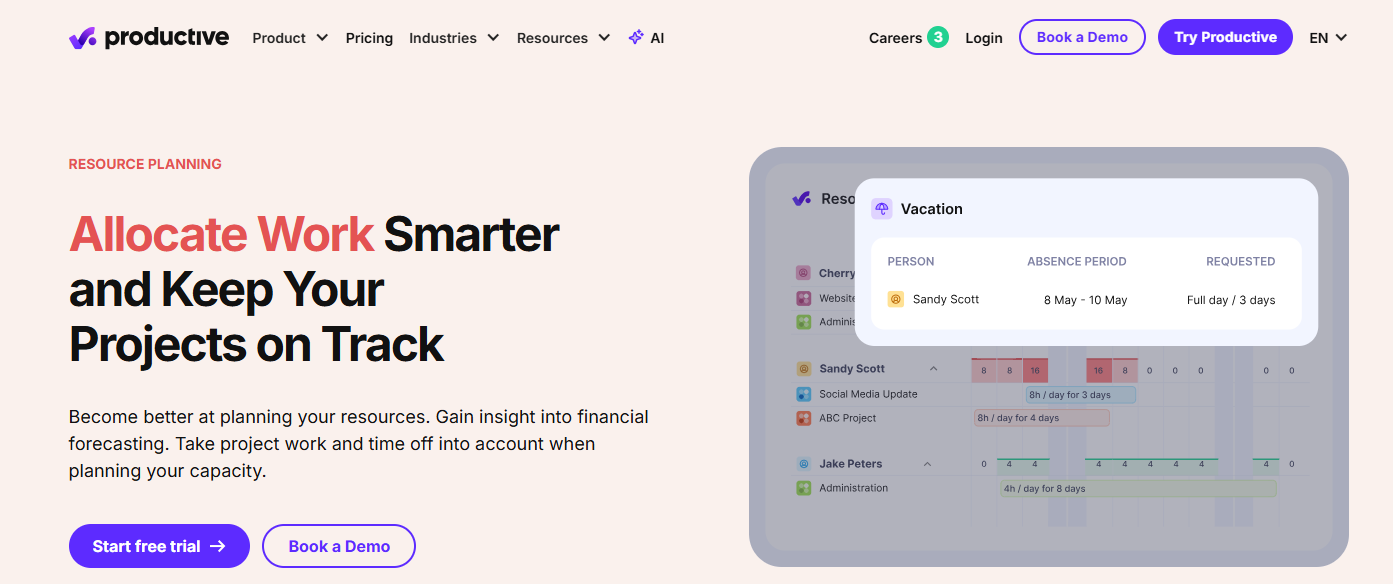
- You see capacity at a glance: bookings, availability, time off and utilisation across the whole team, in one place.
- You can plan tentatively: soft-book people for unconfirmed work without treating those hours as committed.
- You can test the future: Scenario Builder forecasts costs, profit and demand, or lets you try an alternative schedule before you commit.
- You staff by skill: filter by skills and seniority, with Resource Requests ranking the people who fit.
- “Keeping track of capacity is super easy, seeing who’s busy, and time tracking is automated,” shares Yulija K.
Scoro
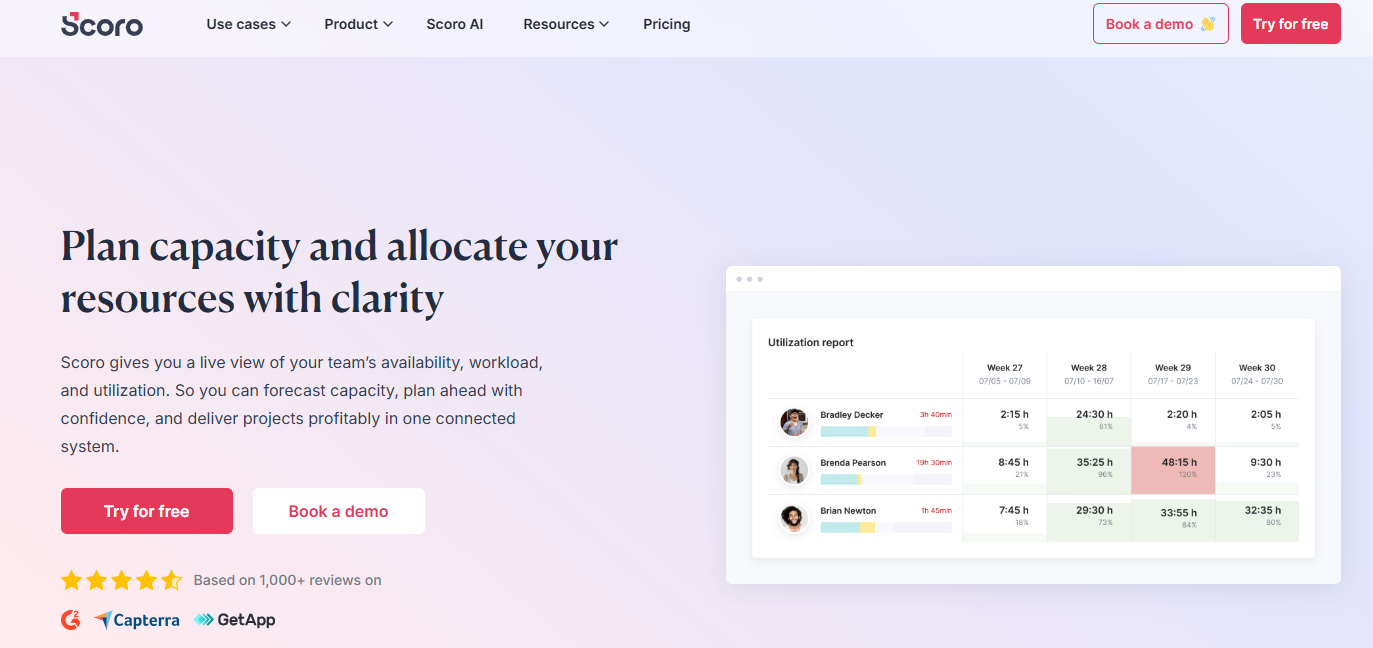
- You book at portfolio level: reserve people across current and future projects before the detailed tasks even exist.
- You assign day-to-day work: the granular Planner allocates daily work to each person's actual capacity.
- You reserve by role: hold capacity for a project role before you've decided who will do the work.
- You forecast capacity: compare availability, utilisation and future revenue demand across your portfolio.
Verdict
Both software go well beyond basic scheduling, so your deciding factor is whether you plan mainly around future scenarios and skill matching, or role bookings and centrally managed work allocation.
Billing and Invoicing
Your billing needs to reflect how the project was actually sold and delivered. So compare which fee structures each platform can invoice, and how much project data moves into that invoice on its own.
Productive
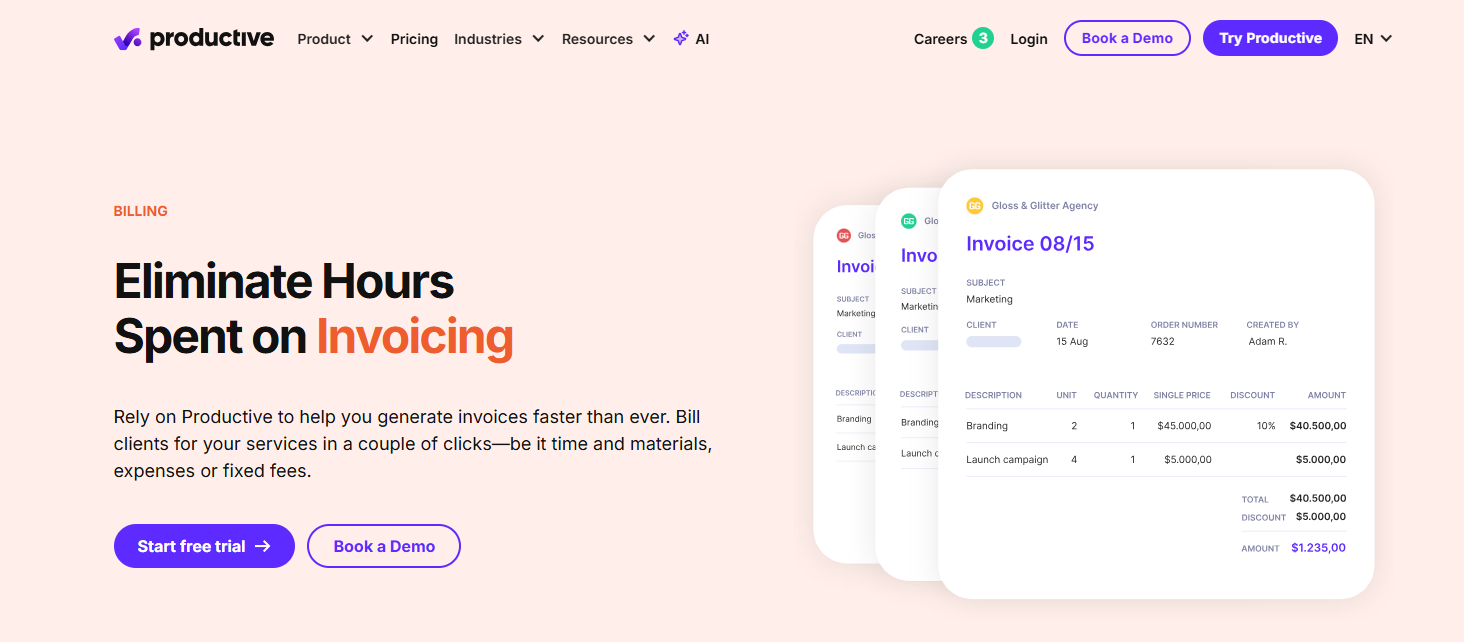
- Four billing types in one budget: fixed, time and materials, percentage, and non-billable services can coexist.
- You bill partially: invoice by budget percentage, a fixed amount, or unbilled hours.
- Recurring work runs itself: recurring budgets can generate draft invoices automatically.
- Electronic invoicing is built in: Productive supports email, XML, and e-invoice networks, including PEPPOL.
- Andrew M says that Productive “gives great clarity and structure on project progress and budgeting and whether projects are running on time or over budget.”
Scoro
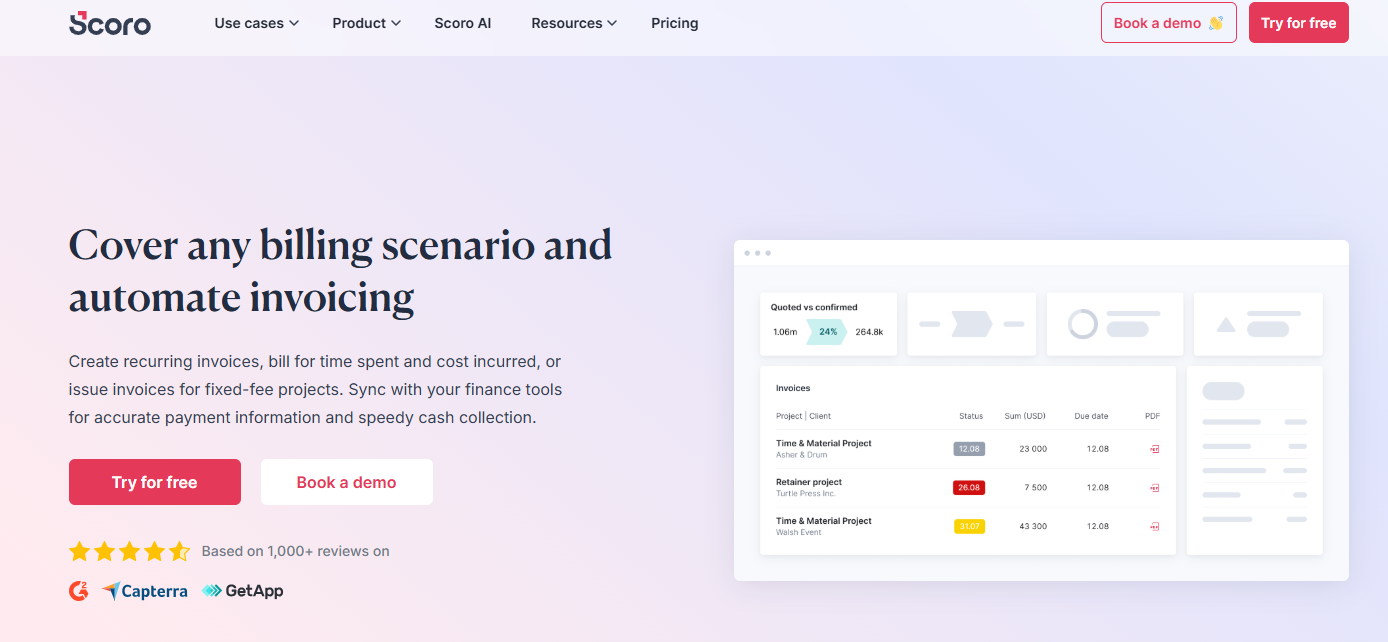
- Multiple client billing models: invoice fixed-fee, time and materials, and recurring engagements.
- You bill partially: convert only part of an agreed quote into an invoice as the work progresses.
- You schedule billing: generate invoices automatically for recurring periods.
- More finance documents: Scoro also handles prepayment invoices, credit notes, receipt tracking and billing forecasts.
- Penti P says, “Scoro streamlines the way we handle quotes and projects, making it easy to stay on top of everything.”
Verdict
Scoro gives you the broader native billing layer, especially if you manage recurring billing, prepayments, credit notes and detailed financial documents.
Productive holds its own on project billing itself, with flexible percentage and time-based invoicing, plus stronger electronic invoicing if you need PEPPOL or XML.
Integrations
Integration depth matters because neither platform is likely to replace your accounting, customer relationship management (CRM), calendar or specialist project software. They need to talk to what you already run.
Productive
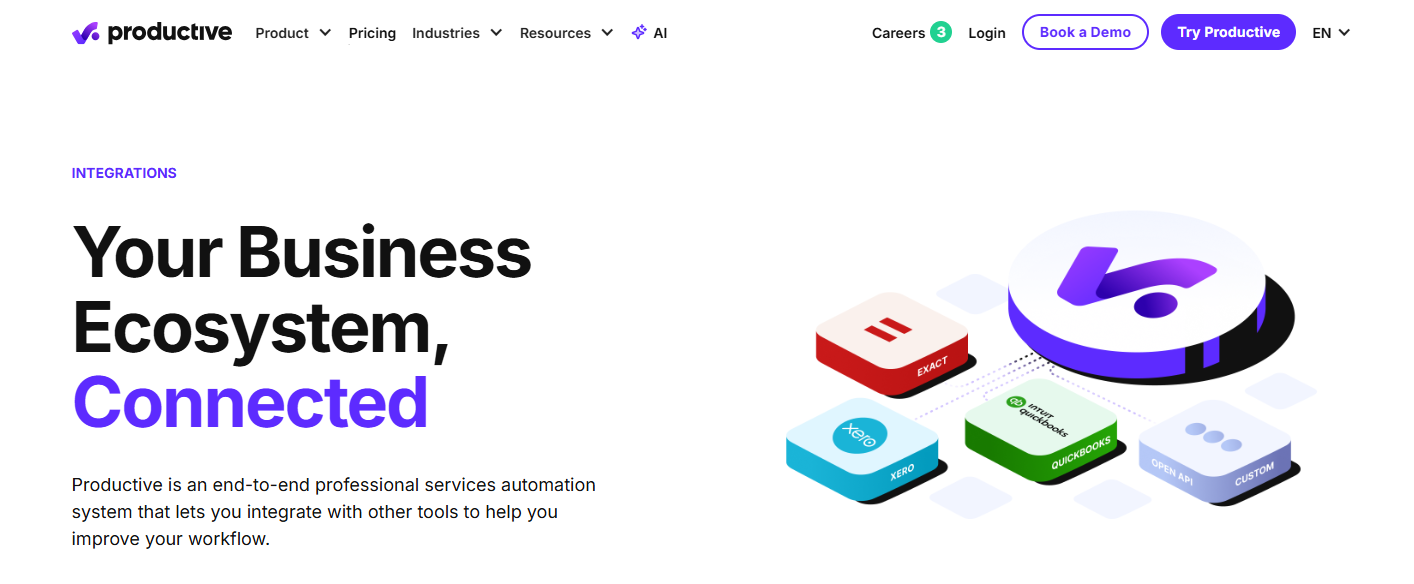
- Accounting: Xero, QuickBooks Online, Exact, e-conomic, Fortnox and Twinfield.
- E-invoicing: Peppol, XRechnung, FACe, SDI and Moj e-Račun.
- HR systems: Rippling, BambooHR and Personio, with time off syncing into your planning.
- Jira: a time tracking add-on that updates entries in both directions.
- Build your own: open API on every plan, plus Zapier, Slack and calendar sync.
Scoro
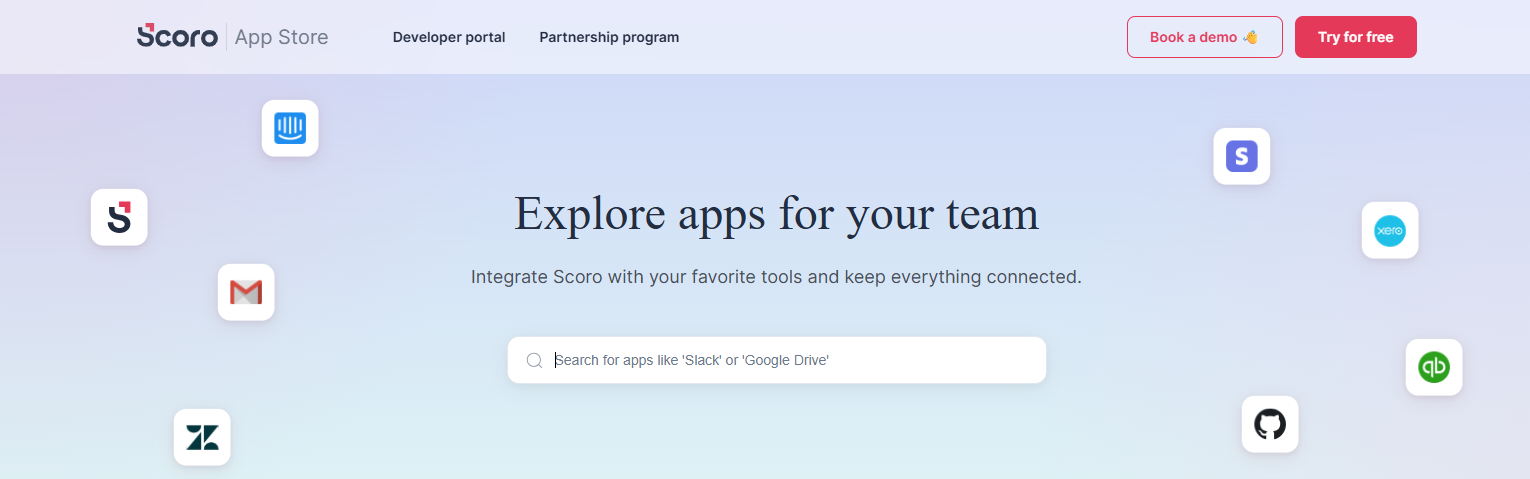
- Accounting: Xero, QuickBooks, Sage Intacct and Exact Online.
- CRM: Salesforce and HubSpot, neither available in Productive.
- Developer tools: an API and MCP server, included with the platform.
- Expenses, tax and payments: Expensify, Envoice, Avalara, Stripe and Finbite.
One caveat:
integrations are distributed across apps, so what you get depends on which apps you buy.
Verdict
Scoro has the stronger case if accounting synchronisation is central to how you operate, particularly around Xero and QuickBooks. Productive offers a broader integration catalogue and more flexible development options through its open API, webhooks and Zapier.
The better fit depends on which applications you plan to keep after implementation.
How to Choose Between Productive and Scoro
The feature lists overlap enough that your final decision should come back to four operating questions.
How You Quote Work
You'll often price one project phase using several seniorities. A schematic design fee, for example, might include principal, senior architect, and junior architect hours at different rates.
Scoro makes this explicit at the quote stage. Its estimation matrix keeps one client-facing deliverable while splitting the planned hours, costs, and prices internally across multiple roles or people. Productive also supports different rates by person or service, but structures these through services within deals and budgets rather than the same matrix-style quoting view.
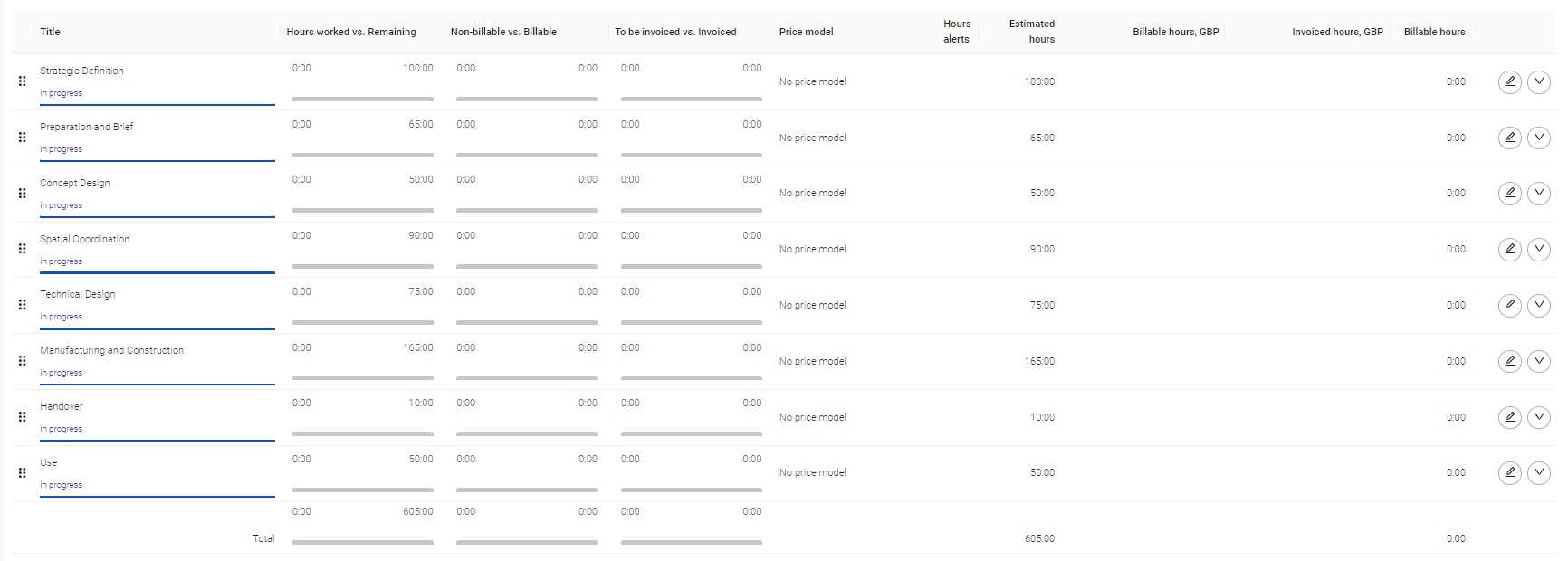
As an alternative, Milient Project Flow brings the fee structure into the AEC project itself, combining phase-level fees with role-specific hourly rates so your commercial plan carries straight into project budgeting and delivery.
Project Accounting and Financial Control
This is about whether you can see how hours, costs, and billing affect profitability while the work is still underway, not after it closes.
Scoro provides work in progress reporting, revenue recognition, and quoted-versus-actual financial tracking. Productive tracks estimated and actual revenue, cost, profit, and margin at budget level, with forecasting based on scheduled and recorded work.
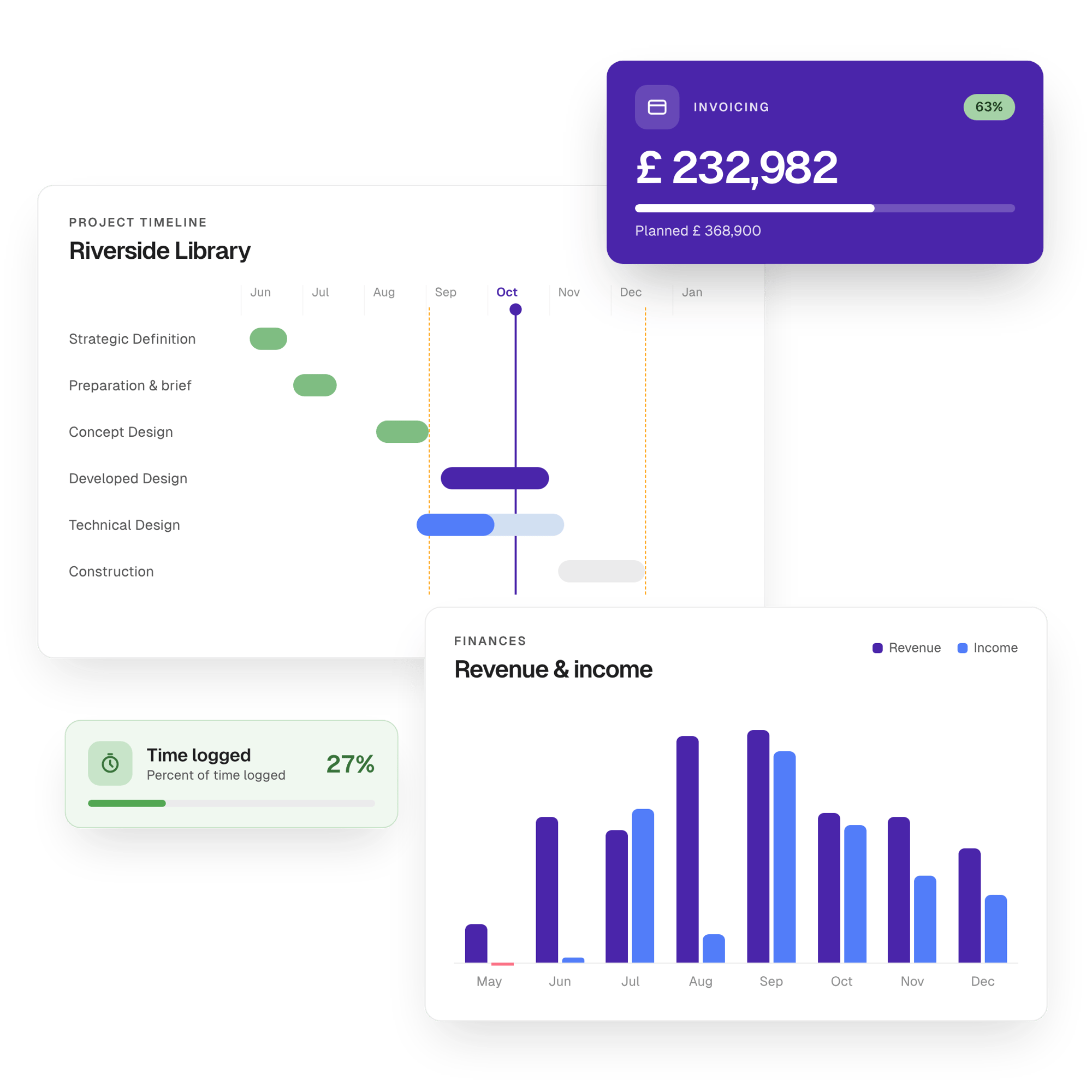
Project Flow financial management offers the AEC-specific alternative, connecting your project hours directly with budgets, revenue, costs and margins.
AEC Configurations
You need software that connects project phases, fee budgets, staff allocations, time entries, and invoicing without forcing your team to rebuild the same information in several places.
Productive and Scoro both support project-based work, but their workflows are designed for broader professional services use.
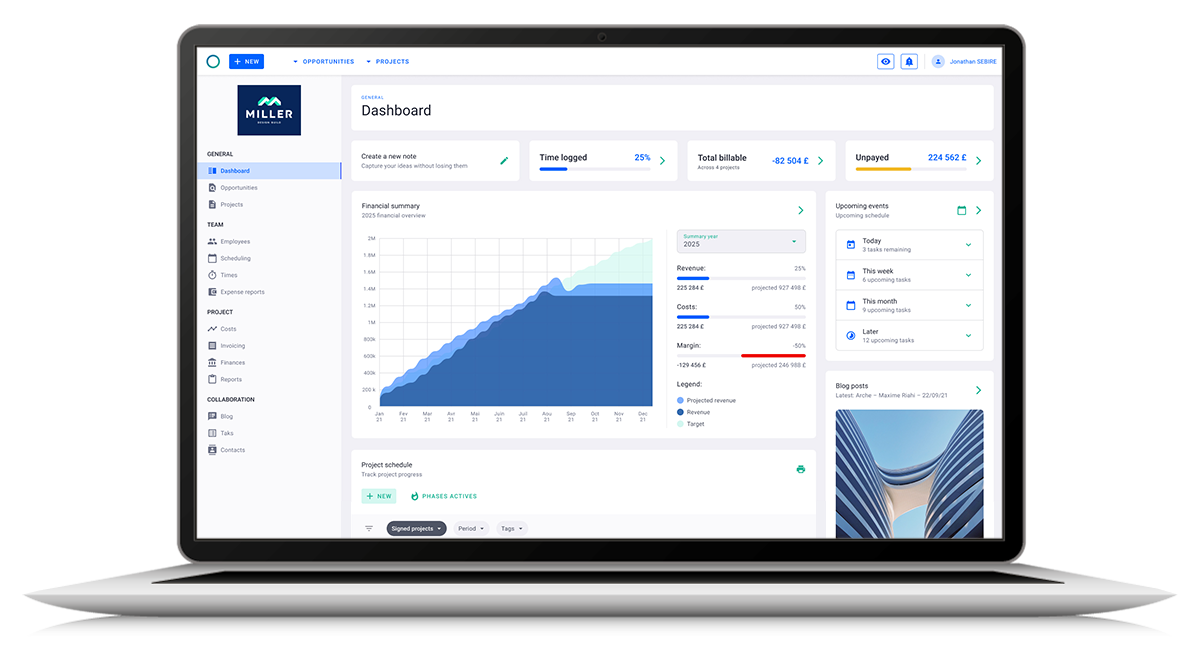
Milient Project Flow is configured specifically around AEC delivery, giving architects, engineers and consultants one project record for planning, resources, time, budgets and invoicing.
Cost
Productive includes project management, resource planning, time tracking, and budgeting from Essential. Scoro separates project, resource, sales and financial capabilities across different app combinations, so your total cost depends on the workflow you build.
Milient Project Flow gives you a clearer cost-to-feature alternative. Plans start at £20/user/month, with project planning, resources, time, budgets, reporting and invoicing brought together around AEC project delivery.
Best Alternative to Productive and Scoro: Milient Project Flow for Phase-Based AEC Delivery
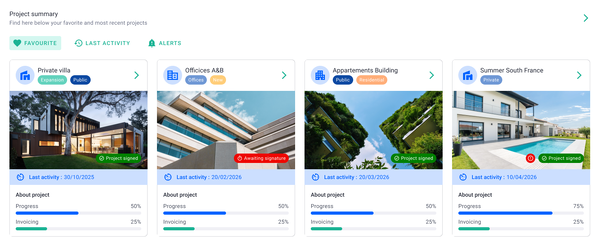
If you're an architect, engineer, or consultant who wants project delivery and commercial control centred on the same project record, Milient Project Flow is the alternative.
Rather than adapting a broader PSA workflow, you work from phases and resources straight through to time, budgets and invoicing.
Key Features
Here's what you get from Project Flow:
Project Management Built Around AEC Delivery
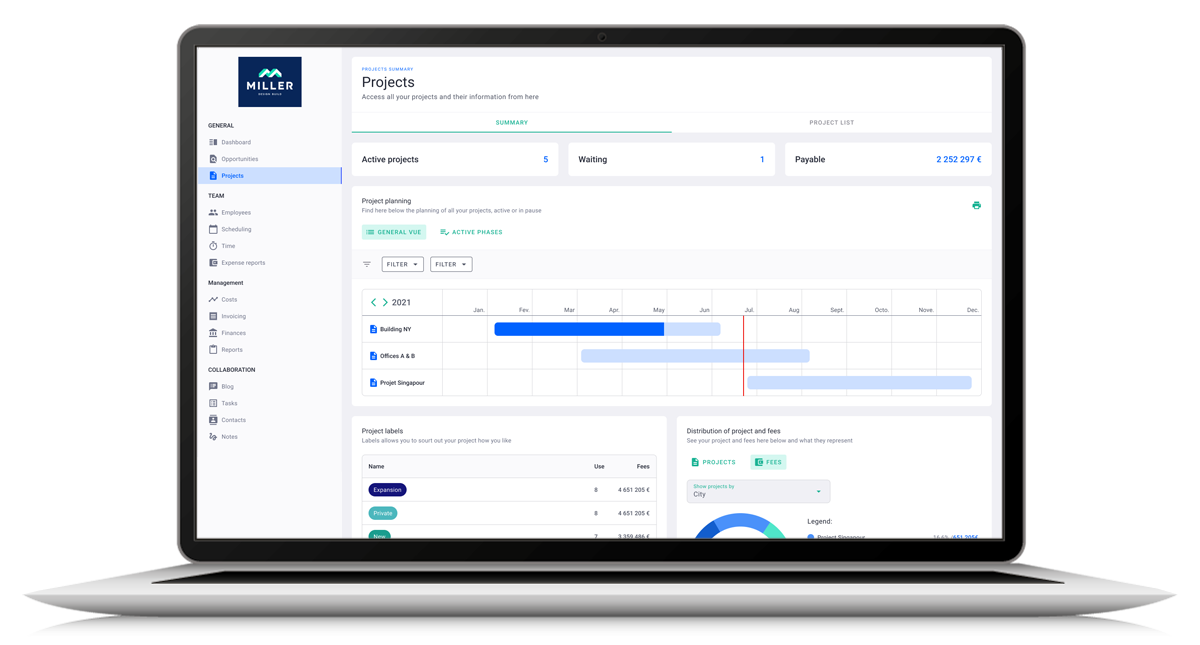
With project management in Project Flow, you keep project phases, resources, deadlines, and budgets together.
You can track progress, work through structured project stages, and follow budget performance alongside delivery rather than managing the schedule separately from commercial data.
Resource Planning and Time Feed the Project Record

Project Flow’s resource planning shows capacity, availability, and workload across projects, then lets you allocate work according to roles and project needs.
Logged time sits against projects, tasks and phases, so you can compare actual hours with planned work and project budgets.
Real-Time Budget and Profitability Tracking
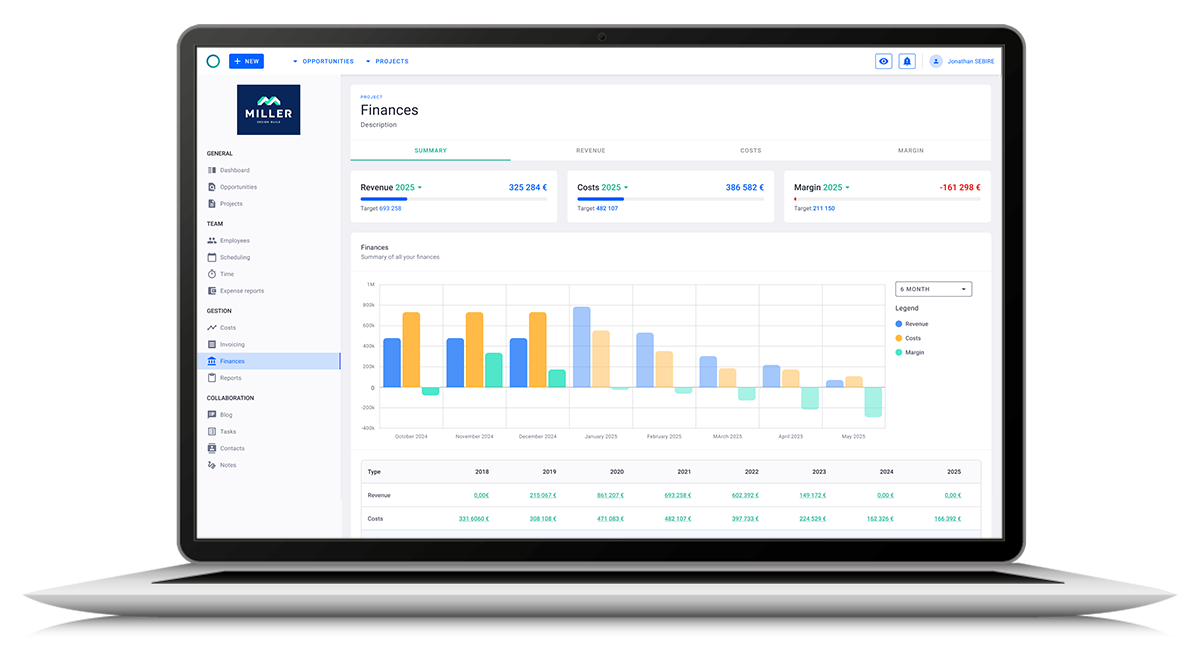
Project Flow tracks revenue, cost, budget and margin while work is still underway.
Invoicing then uses the timesheets, fees and project progress already recorded, with support for phase, milestone and percentage-based billing schedules.
Advanced Reporting

Dashboards and reports pull directly from Project Flow's project, time and financial records. Compare actual performance against forecasts, follow workload and revenue, and spot deviations without rebuilding the same report in another file.
Milient Project Flow Pricing
Where Milient Project Flow Shines
- Purpose-built for AEC: phase-based fees, role-level rates and stage planning ship as defaults rather than configuration.
- Connects to the AEC stack: Xero, Sage, Power BI, Outlook and OpenAsset through Milient's integrations.
- Less manual reconciliation: project data moves into financial reporting and invoicing instead of being rebuilt across separate spreadsheets.
- Phase-level planning (Gantt): a built-in Gantt planner for scheduling project phases, from concept and coordination to technical design and manufacturing, across multiple projects on one timeline.
Where Milient Project Flow Falls Short
- Timesheet approval status isn't always clear. Users report difficulty telling when a timesheet has been submitted or validated, with no approval notification.
- No calendar view for logged hours. Seeing project hours in a calendar layout is still a requested feature.
Milient Project Flow Customer Reviews
"The ease of use — it's intuitive enough." — Verified user, Capterra
"Project Flow allowed me to stop relying on endless Excel spreadsheets. Updating the billable forecast is the feature that has saved me a huge amount of time. The support team is very responsive." — Verified user, Capterra
Who Milient Is Best For
- Growing AEC practices: firms past spreadsheets that need financial control without enterprise complexity.
- Principals focused on profitability: anyone who needs live budget and margin data across the portfolio.
What Will You Choose?
Pick Productive if you bill on service rates and want scheduling depth with reporting that ships complete.
Or Scoro if your projects run in stages and finance needs WIP and quoted-versus-actual reporting.
Alternatively, choose Milient Project Flow if you run phase-based AEC work and want that modelled natively rather than built.
→ Book a meeting with us to see it on your own projects.
FAQs
 Andrea Neeve
Marketing Associate
Want more content like this? Follow Milient: