
Key takeaways
 Resource levelling adjusts task schedules to fix overallocation and can push the project end date back. Use it for resource allocation when the deadline is flexible
 Resource smoothing redistributes work within existing float time to even out workload peaks without moving the end date. Use it when the deadline is fixed and non-negotiable
 Both techniques share the same goal: to stop overloading your team and keep project delivery realistic. On complex projects, you often need both, in sequence
 Still, you need to have enough visibility over capacity, utilisation, and task float to apply either technique effectively
Suppose two of your senior engineers are double-booked across three active jobs, and the project schedule is already slipping. What do you do: push the deadline, or find a way to redistribute the work without touching it?
You have two resource planning options: either resource levelling or resource smoothing.
Levelling lets you rearrange your schedule if you can push the deadline, while resource smoothing redistributes work within fixed deadlines.
In the resource levelling vs resource smoothing comparison below, we’ll explain when and how you can employ both techniques, plus the planning mistakes that make both harder to execute.
Resource Levelling vs Resource Smoothing: What Is the Core Difference?
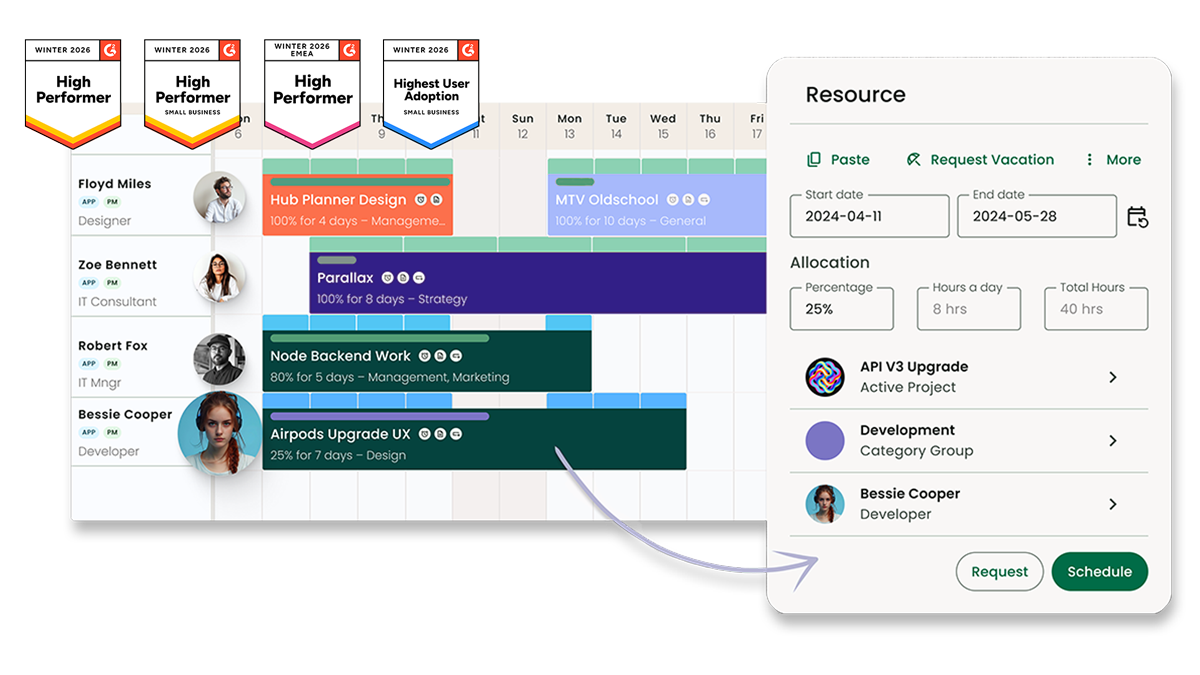
Both are resource management techniques, but they operate under different project or time constraints and produce different outcomes.
-
-
- Resource levelling resolves overallocation by adjusting task start and end dates, even if that means extending the project timeline
- Resource smoothing resolves uneven workload distribution by shifting tasks within their existing float time, without moving the project end date
-
Here’s how they compare:
Where Resource Levelling and Resource Smoothing Overlap
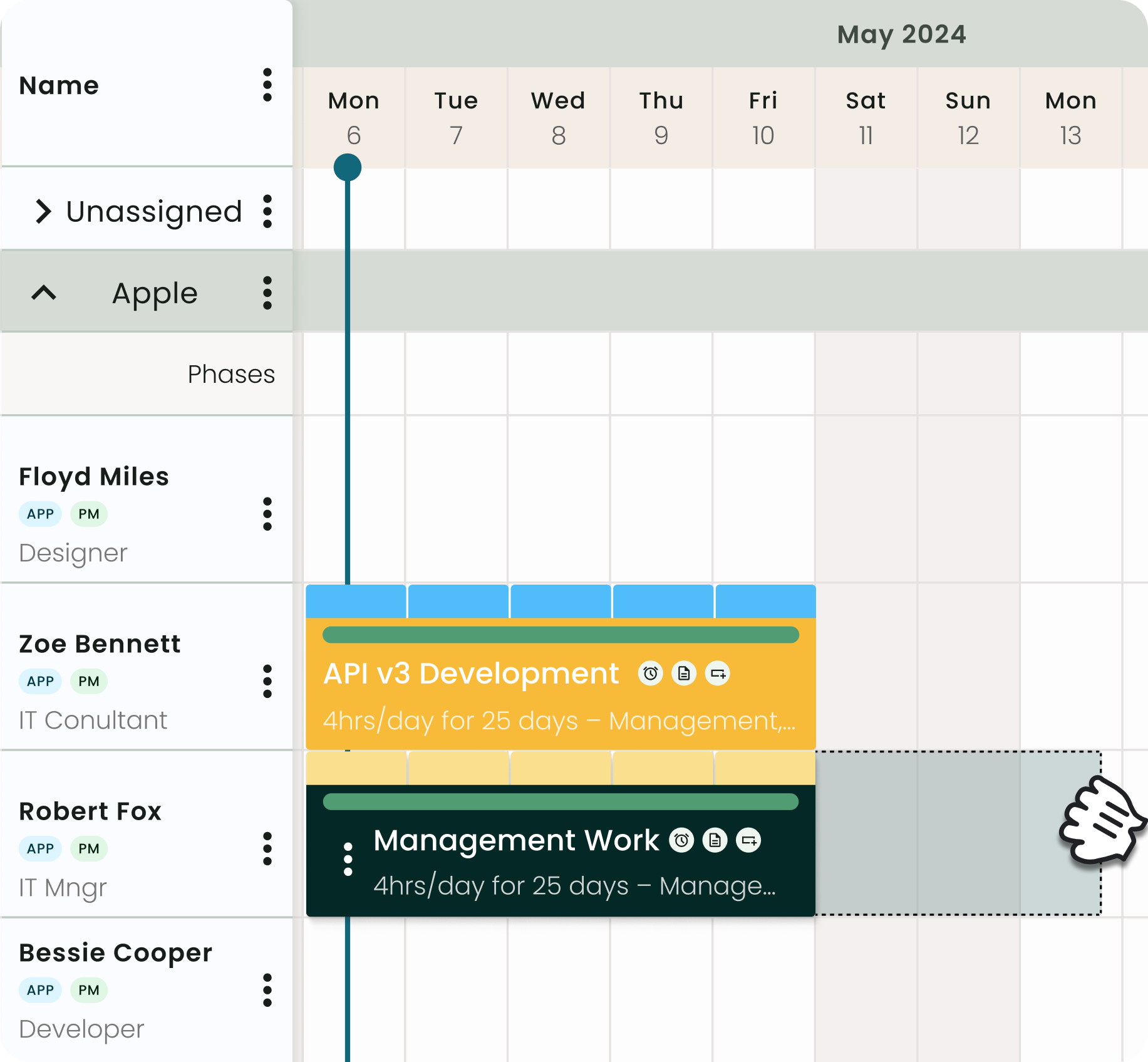
Resource smoothing and resource levelling techniques solve poorly distributed workloads that create delivery risk. Yet, in some cases, you end up utilising both on complex projects.
Here’s where they overlap:
How Resource Levelling Works
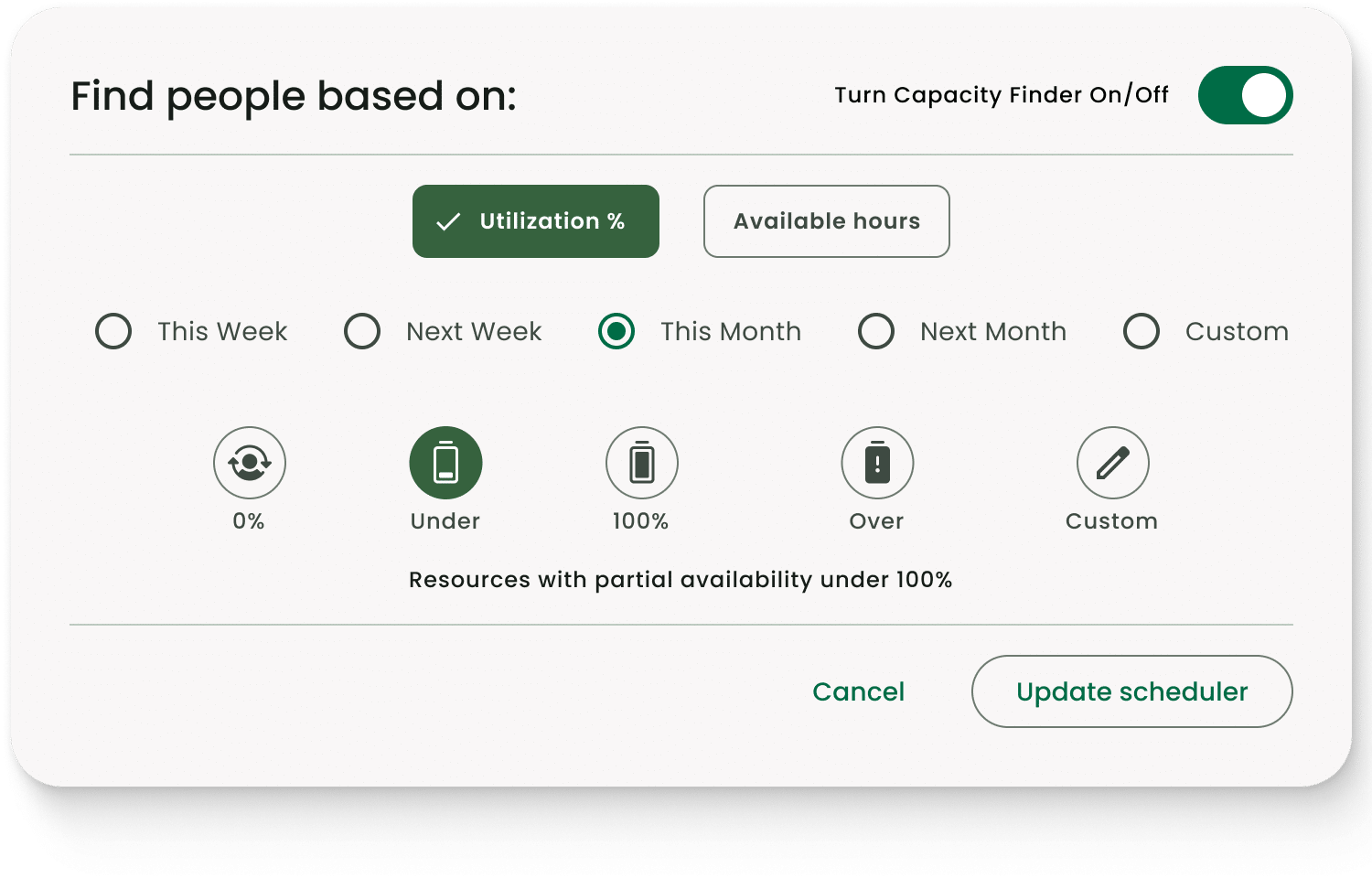
According to The Business Drive, overallocated resources are 73% more likely to make mistakes, yet most teams only act after delivery has slipped.
Levelling starts with such a resource conflict: someone is assigned more hours than they have available. The fix is typically to reschedule tasks until no one is overallocated.
In practice, this means delaying some tasks (pushing their start dates), rearranging sequences where dependencies allow, or redistributing work to less-loaded team members. This may result in project delays as you fix resource limits.
-
-
- Before levelling: An architect at a mid-sized AEC firm is booked at 130% capacity across weeks 4 to 6, simultaneously running a planning application, coordinating a structural survey, and completing a RIBA Stage 3 design review
- After levelling: The structural survey is rescheduled to start in week 7, once the RIBA stage review is complete. Utilisation drops to a sustainable 85%. The project is completed two weeks later than originally planned, but the work quality is intact
-
Levelling is the right call when the alternative is a team member cutting corners, missing deliverables, or burning out.
How Resource Smoothing Works
/Hub-Planner_Operations_Feature.jpg?width=800&height=739&name=Hub-Planner_Operations_Feature.jpg)
Instead of moving the deadline, resource smoothing uses float (or slack) built into non-critical tasks and redistributes when the work happens. As a result, you spread peaks out and fill quiet periods with work.
-
-
- Before smoothing: A project planner at an IT consultancy notices that two developers are at 110% utilisation in sprint weeks 3 and 4, while weeks 6 and 7 are almost empty
- After smoothing: Several non-critical tasks, including documentation, code review, and internal QA, are shifted from weeks 3 to 4 into weeks 6 to 7, using their available float. With this, workload evens out, and both developers hit a steady 80 to 85% utilisation rate across the project
-
Smoothing only works if float exists. If your project schedules are already at maximum compression and every task is critical path, there's no room to redistribute. Levelling (with timeline adjustment) will be the only viable option.
Common Resource Management Mistakes That Make Levelling and Smoothing Harder
/hubplanner_resource.png?width=1200&height=645&name=hubplanner_resource.png)
Here's the scenario most project managers can relate to: your plan looked clean at project kickoff. But by week three, two people are maxed out, someone's just taken annual leave, and a scope change has landed.
Resource smoothing and levelling are corrective techniques you can use, but how hard they are to apply depends entirely on how well you planned before the project started.
Avoid these resource scheduling mistakes that consistently make both harder to implement.
Treating 100% Utilisation as the Target
Many teams want to book every hour available, but that isn’t efficient.
A fully allocated team has no buffer for unplanned work, client changes, or tasks that simply could take longer than estimated.
/RM%20H%C3%85.jpg?width=2000&name=RM%20H%C3%85.jpg)
Plan to use 75 to 85% of available team capacity instead. Without that headroom, levelling may become reactive rather than planned, and smoothing will be impossible with no slack left to redistribute.
Planning Resources Project-by-Project, Not Across the Portfolio
If you assign resources one project at a time, you will miss conflicts that only appear when you look across all active work. A person at 60% on one project may already be committed elsewhere. Without a portfolio-wide view of capacity, overallocation is invisible until it hits delivery.
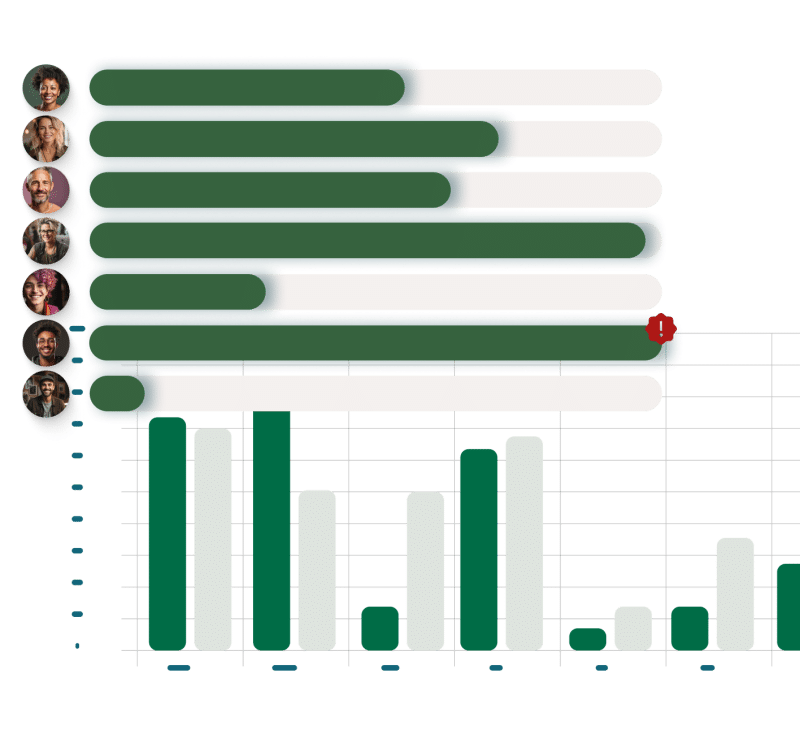
Before applying levelling or smoothing, span your resource picture across every active and upcoming project.
Relying on Spreadsheets to Track Capacity
Many firms still rely on spreadsheets or Excel for resource planning, which creates a structural ceiling on what levelling and smoothing can achieve.
The problem is that manual capacity tracking is always slightly out of date, doesn't update when bookings change on other projects, and gives no visibility into utilisation trends over time.
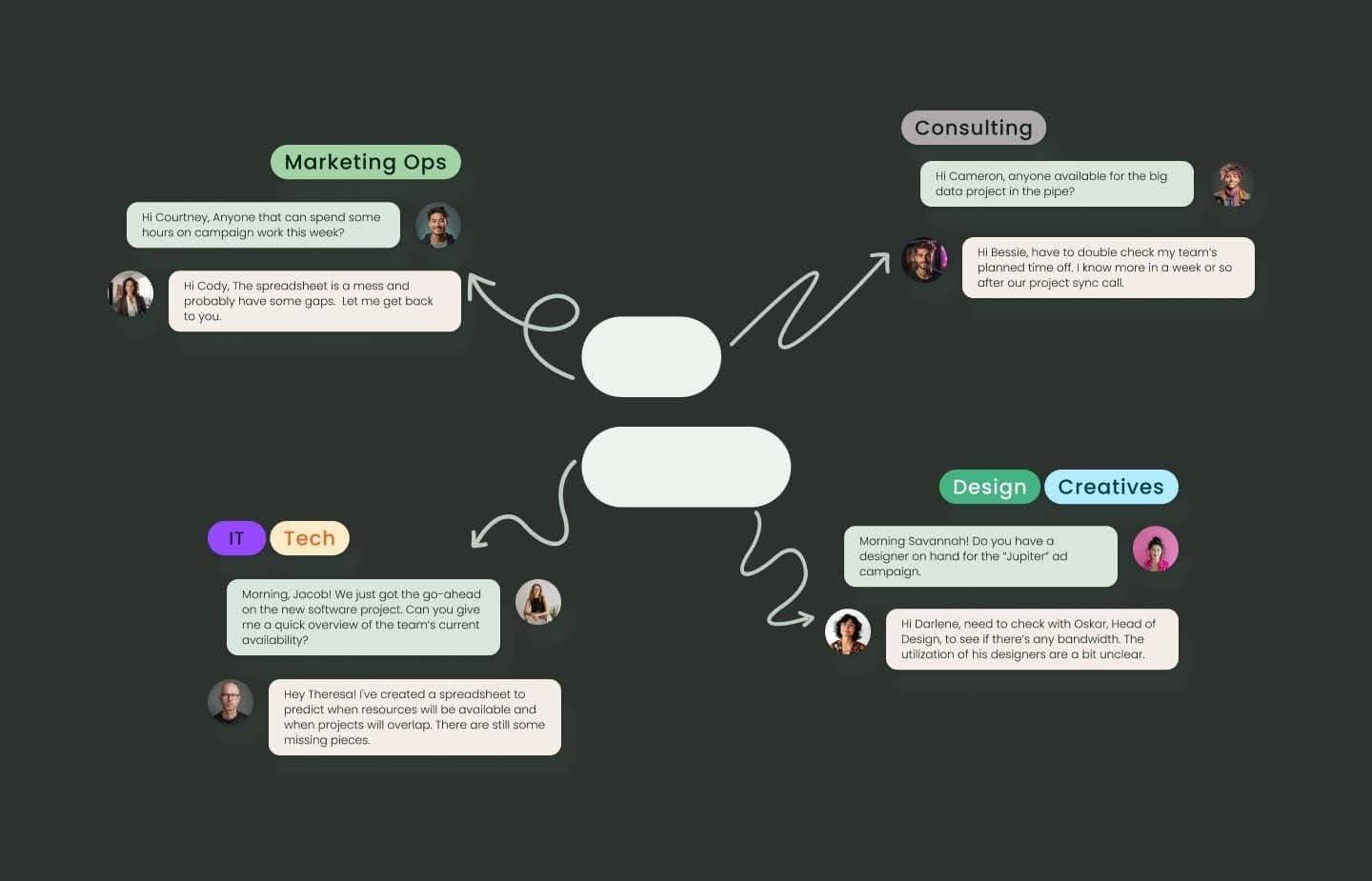
However, smoothing requires knowing exactly how much float each non-critical task holds, and levelling requires knowing true availability per person. Neither is reliably possible when your capacity data is manually maintained and always slightly out of date.
Not Using the Critical Path Method
You cannot apply resource smoothing without knowing which tasks have float and which don't. If you haven't mapped your critical path before the project starts, you risk moving tasks that cannot actually shift without delaying the end date.
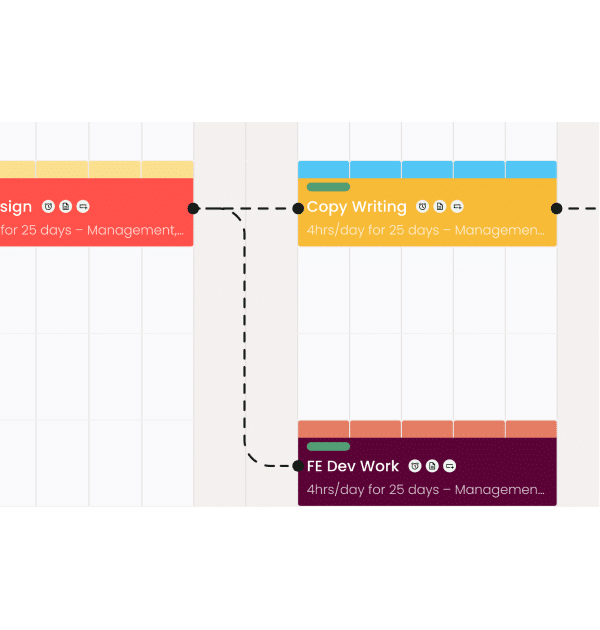
So, map task dependencies and float calculations before resources are assigned, not after conflicts appear.
 You can use a project checklist at the planning stage to ensure critical path, task dependencies, and float calculations are completed to understand resource requirements
Waiting for Conflicts to Surface Before Reacting
Most overallocation is visible in the data weeks before it shows up in missed deadlines.
For instance, a utilisation report showing someone at 115% for the next six weeks is already a problem. But many teams only act when the person starts missing deadlines or flags that they can't cope.
Teams that review utilisation forecasts regularly and adjust three to eight weeks ahead can apply resource smoothing or levelling to plan better.
Download the Successful Project Guide to set up your project delivery for better resource control from day one.
Balance Resource Levelling and Smoothing with Milient Resource Flow
Both techniques only work when your capacity data is accurate and up to date.
That's exactly what Milient Resource Flow gives you: real-time utilisation visibility across your entire project portfolio, so you can apply the right technique at the right time.
Book a demo with Milient and start controlled capacity planning today.
FAQs
 Andrea Neeve
Marketing Associate
Want more content like this? Follow Milient:


/roles_2.jpg?width=1024&height=1024&name=roles_2.jpg)