Key takeaways
 Choose Milient Project Flow if your consultancy bills fixed-fee or multi-phase projects and needs invoicing connected to project budgets, time tracking, resources, and profitability from one system
 Get FreshBooks if you're a solo consultant or small consultancy that mainly invoices recurring clients, manages retainers, and wants simple accounting alongside billing
 Pick QuickBooks Online if you want invoicing built into your accounting software, with estimates, VAT, bank feeds, and financial reporting managed in one ledger
 Use Harvest if your consultancy bills primarily by tracked hours and expenses and wants the fastest way to convert timesheets into client invoices
The best invoicing software for consultants depends on how your firm bills clients, tracks billable work, and manages projects.
Some platforms focus on fast, standalone invoicing, and others connect invoicing with time tracking, project budgets, and profitability.
We've compared these seven options to help you choose the right platform for your consultancy.
7 Best Invoicing Software for Consultants: At a Glance
1. Milient Project Flow: Best for AEC Consultancies Billing Projects by Phase

Milient Project Flow is project management and invoicing software for consultants delivering fee-based work.
It lets you plan a project, register hours against it, manage budgets and finances, then raise an invoice from the same record.
Key Features
Here’s how Milient Project Flow lets you plan and invoice accurately:
From Project Data to Accurate Invoices

Project Flow generates invoices from the work already recorded against the project.
Timesheets, fees, expenses, and project progress stay connected, so you bill from live project data instead of spreadsheets.
You can create invoices from custom templates, track payment status, due dates, and outstanding balances, and see billing progress across every project.
Billing Schedules Set Before the Work Starts

You can define the billing plan before work begins. Attach invoices to project phases or milestones, schedule staged or percentage-based payments, and invoice against agreed project fees as work progresses.
Project Financial Control

Every invoice is backed by live project financials. Track revenue, costs, budgets, margins, and profitability in real time, then compare planned and actual performance before billing the client.
Automatic calculations and financial dashboards reduce manual checks and make project profitability easier to monitor.
Accounting and File Integrations
Approved invoices and financial data sync with your accounting software instead of being entered twice.
Project Flow integrates with Sage, Xero, QuickBooks, Xledger, Business Central, Twinfield, Pegasus Opera, and other finance platforms.
It also connects with Power BI, Tableau, OpenAsset, Newforma, and Excel to keep project and financial data in sync.
Milient Project Flow Pricing
Where Milient Project Flow Shines
-
-
- Project planning drives billing: Every invoice is tied to project phases, deadlines, budgets, and delivery progress instead of existing as a standalone accounting record
- Resource planning protects margins: Allocate the right people to the right projects, compare planned versus actual effort, and see how staffing decisions affect project profitability before you invoice
- Time-tracking that also feeds invoices automatically: Hours, expenses, overtime, and leave are recorded against projects and phases, reducing manual billing and missed billable work
- Profitability reporting: Track budgets, revenue, margins, utilisation, and project performance in real time, then compare actuals against forecasts from one reporting dashboard
- Financial visibility before billing: Monitor revenue, costs, budgets, and margins throughout the project so you know the financial impact before an invoice goes out
- One connected workflow: Manage proposals, projects, resources, time, finances, reporting, and invoicing from one system instead of moving data between separate tools
-
Where Milient Project Flow Falls Short
-
-
- No calendar view for hours: no way to see logged project hours in a calendar layout (a requested feature)
- Minor admin gaps: invoice numbering by accounting period and word processing sections flagged as needing improvement
-
Milient Project Flow Customer Reviews
"Very user-friendly. The display is easy to understand, and I can change my operating language. I like the visualisation and the blog, which helps me and my colleagues communicate on our project progress." Verified user, Capterra
"Project Flow allowed me to stop relying on endless Excel spreadsheets. Updating the billable forecast is the feature that has saved me a huge amount of time. The support team is very responsive." Verified user, Capterra
"The ease of use, it's intuitive enough." Verified user, Capterra
Who Milient Project Flow Is Best For
-
-
- AEC firms managing architecture, engineering, environmental, or technical consulting projects
- Growing consultancies that need invoicing connected to project budgets, resources, time tracking, and profitability
-
2. FreshBooks: Best for Solo Consultants on a Small Client List
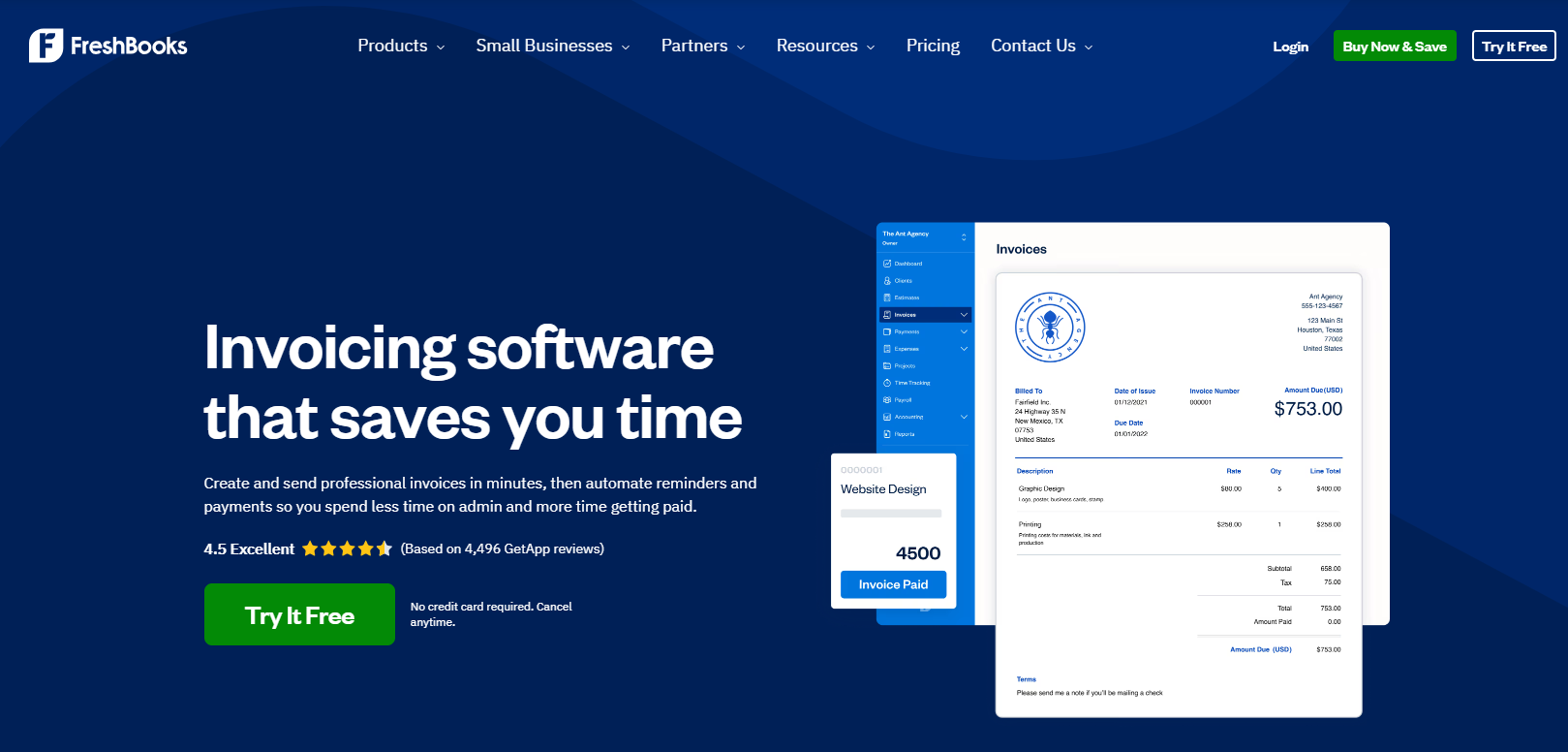
FreshBooks lets you create invoices quickly, collect payments online, and automate recurring billing. It also includes time tracking, expense management, and basic accounting.
Key Features
-
-
- Professional Invoices: Build branded invoices with your own logo, colours, and payment terms, then save templates so future invoices take only a few clicks
- Online Payments: Give clients multiple ways to pay, including credit cards, ACH, Apple Pay, Google Pay, and Buy Now, Pay Later
- Automated Billing: Set up recurring invoices, automatic payment reminders, saved payment methods, and late payment fees. Once configured, much of your billing runs without manual follow-up
- Time and Expense Billing: Track billable hours and project expenses as you work, then pull them directly into an invoice so nothing gets missed
-
Pricing
Where FreshBooks Shines
-
-
- Retainer management: You can set up client retainers and allocate scheduled hours. Then, generate summary reports that show clients exactly how their retainer has been used
- Scope change flagged against the retainer: When deliverables change, the new items are highlighted so the impact on retainer value and timeline is visible
- Proposals and estimates convert to invoices: Proposal and estimate tools sit in the same product, so approved work does not need re-entering
-
Where FreshBooks Falls Short
-
-
- Single user by default: Every plan below Select includes one seat, so a four-person consultancy pays three additional user fees on top of the plan
- No project budget or fee forecasting: Invoices reflect logged time and expenses. Whether the project is running to fee is not answered inside the platform
-
Customer Reviews
On Capterra, Ron C shares, “I occasionally need to invoice partner factories for automated spare parts or technical support hours. FreshBooks makes this administrative process incredibly smooth.”
On G2, Jason W says, “The biggest headache is the pricing model; it’s based on how many clients you have, which feels like a penalty for growing.”
Who FreshBooks Is Best For
-
-
- Independent consultants: One person, a handful of retained clients, and no requirement for team-level cost visibility
- Firms billing on retainer only: The retainer allowance model is the strongest part of the product
-
3. QuickBooks Online: Best for Firms Billing Inside Their Accounts
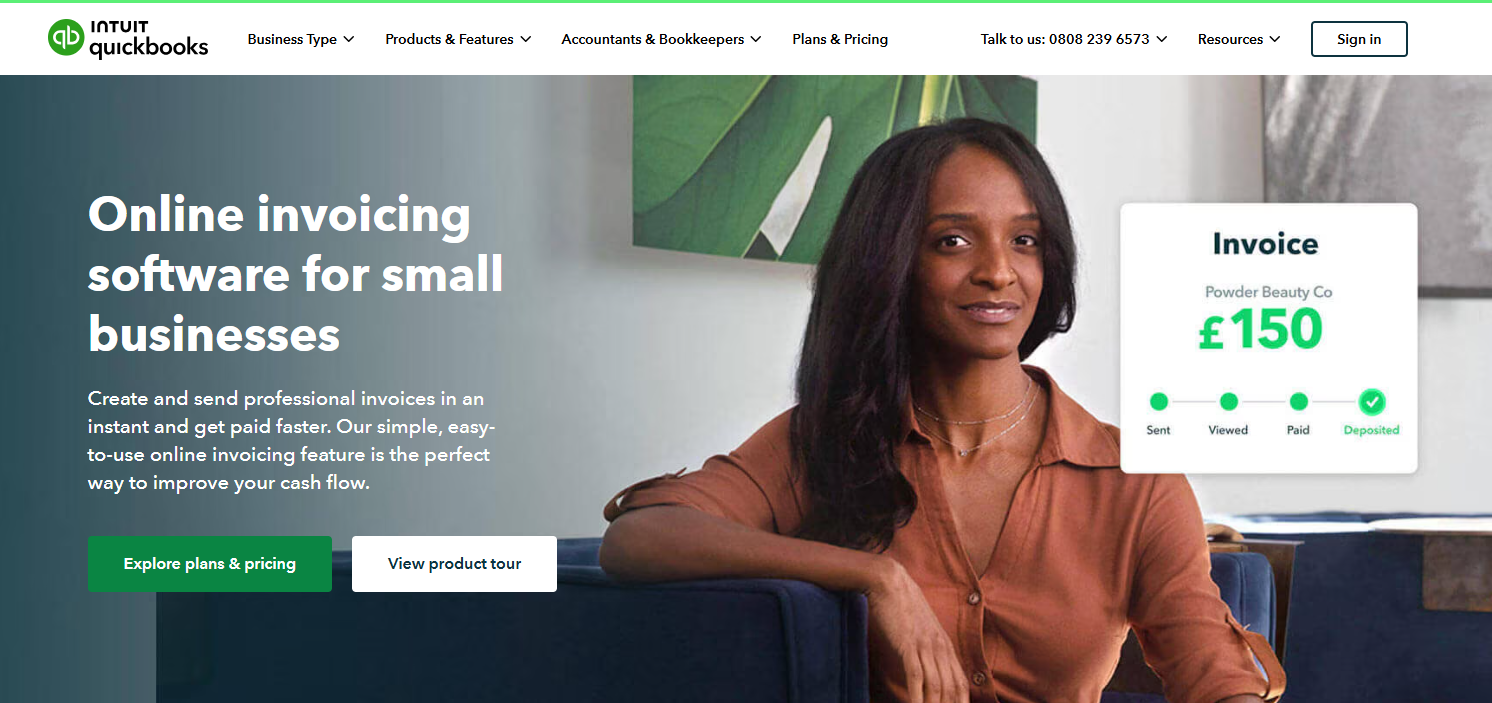
QuickBooks Online is accounting software with invoicing built into the ledger. You create custom invoices, track their status in real time, take payments, and send automatic reminders on overdue amounts.
Key Features
-
-
- Progress Invoicing: Turn approved estimates into one or multiple invoices, making it easier to bill fixed-fee projects in stages
- Customised Invoices: Create branded invoice templates, automate recurring invoices, and see when clients have opened an invoice
- Online Payments: Accept card payments, Pay by Bank, PayPal, and GoCardless directly from invoices to shorten payment cycles
- Multi-Currency Billing: Invoice international clients in multiple currencies while QuickBooks handles exchange rate adjustments automatically
-
Pricing
Where QuickBooks Online Shines
-
-
- Billable expenses attach to client invoices: A cost incurred on a client job links directly to their invoice
- Tax calculated on the invoice: VAT, discounts and shipping calculate automatically as the invoice is built, and VAT returns submit to HMRC from Simple Start upwards
- Project profitability on Plus: Project-level cost and margin tracking becomes available at the Plus tier, alongside budgeting
- Time entry by client and project: From Essentials, employee time is entered against a client or project and added to invoices automatically
-
Where QuickBooks Online Falls Short
-
-
- No fee structure for phased work: Progress invoicing splits an estimate. It does not model a signed fee across defined project stages with role rates behind it
- No resource management: Who is available, who is over-allocated, and what that does to project margin are questions answered elsewhere. Here’s why you need software that allows resource allocation
- Consultancy essentials sit high in the stack: Time entry by project starts at Essentials. Project profitability starts at Plus
-
Customer Reviews
“I use it for estimates, invoices, payments, expenses, and tracking my business activity for Foundation First Contractors.” Juan Carlos Z.
David H says, “The cost is high. In order for us to get some of the benefits we need, we are forced to get a higher level subscription.”
Who QuickBooks Online Is Best For
-
-
- Firms wanting one system for books and billing: VAT, bank feeds, and invoicing in the same ledger removes a reconciliation step
- Consultancies with international clients: Multi-currency and multi-language invoicing are handled natively
-
4. Harvest: Best for Teams Billing Purely on Tracked Hours
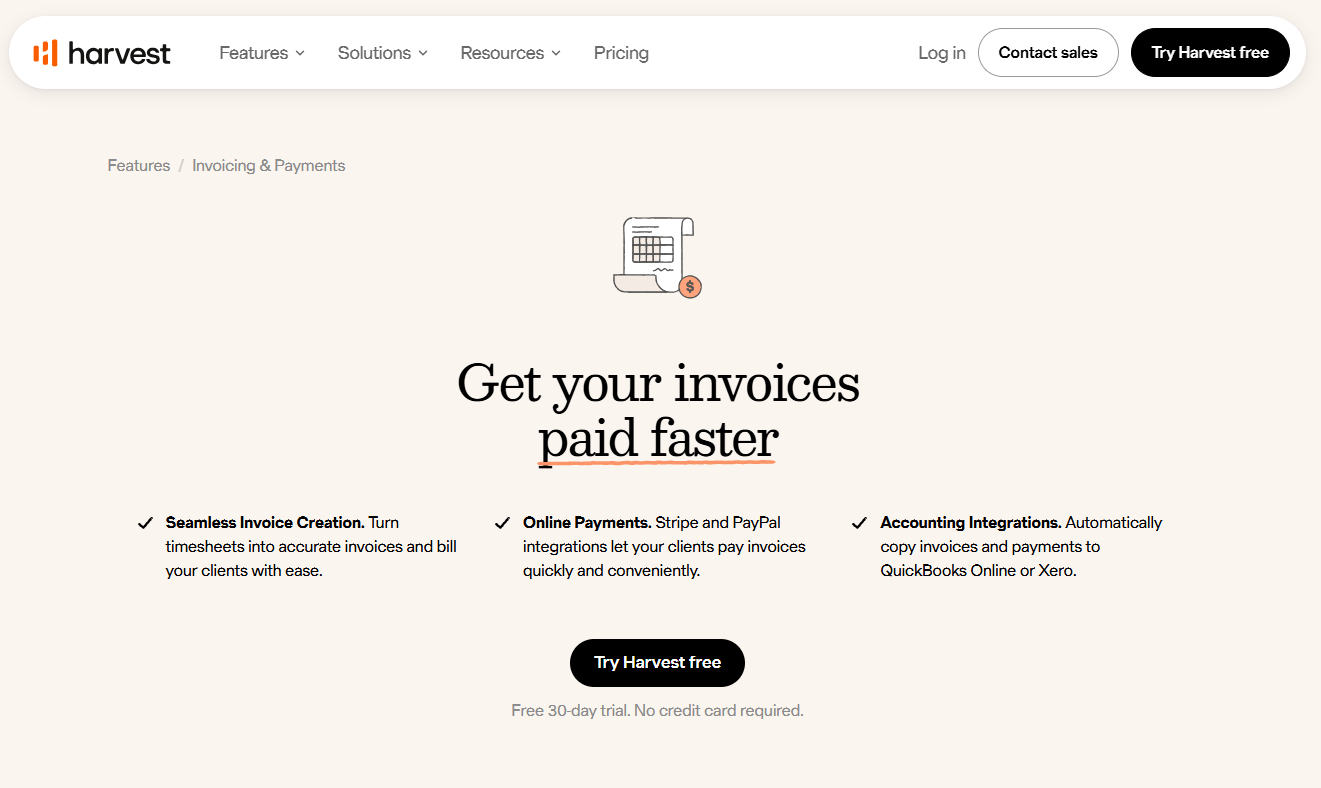
Harvest is time tracking and invoicing software for service teams. Timesheets become invoices, clients pay through Stripe or PayPal, and the resulting invoices and payments copy into QuickBooks Online or Xero.
Key Features
-
-
- Timesheet-to-Invoice Conversion: Tracked billable hours convert into online invoices directly
- Expense Billing with Receipts: Project and task expenses are added to invoices in a few clicks, and you can also attach receipt photos
- Accounting Sync as Standard: Invoices and payments copy automatically to QuickBooks Online or Xero
-
Pricing
Where Harvest Shines
-
-
- Open invoice tracking in one view: Paid, unpaid, and pending invoices sit on a single dashboard, with recurring invoices for repeat clients
- Late payment reminders on a set schedule: Reminders send from Harvest on a timeframe you define
-
Where Harvest Falls Short
-
-
- Margin controls sit on Enterprise: Profitability reporting, timesheet approval, and the activity log are Enterprise-only
- Resource scheduling is a separate product: Forward planning runs through Harvest Forecast via integration, not inside the invoicing product
- No phase-based fee structures: Billing follows hours and expenses. A staged fee agreement has to be managed outside the platform
-
Customer Reviews
“This product is great for time tracking and invoicing. The interface is simple but still effective. Our team really appreciates how easy it is to use, and as an engineering consultant who tracks time to bill clients, that matters a lot,” shares Timothy D.
Giants F shares, “Sometimes I need to write invoices in Latvian and in English for different clientele, and this is not an easy task to do in Harvest.”
Who Harvest Is Best For
-
-
- Time-and-materials consultancies: Firms whose invoices are hours multiplied by rate, plus expenses
- Teams already on QuickBooks Online or Xero: The two-way sync removes double entry
-
5. Zoho Invoice: Best for Consultants Who Need Billing at Zero Cost
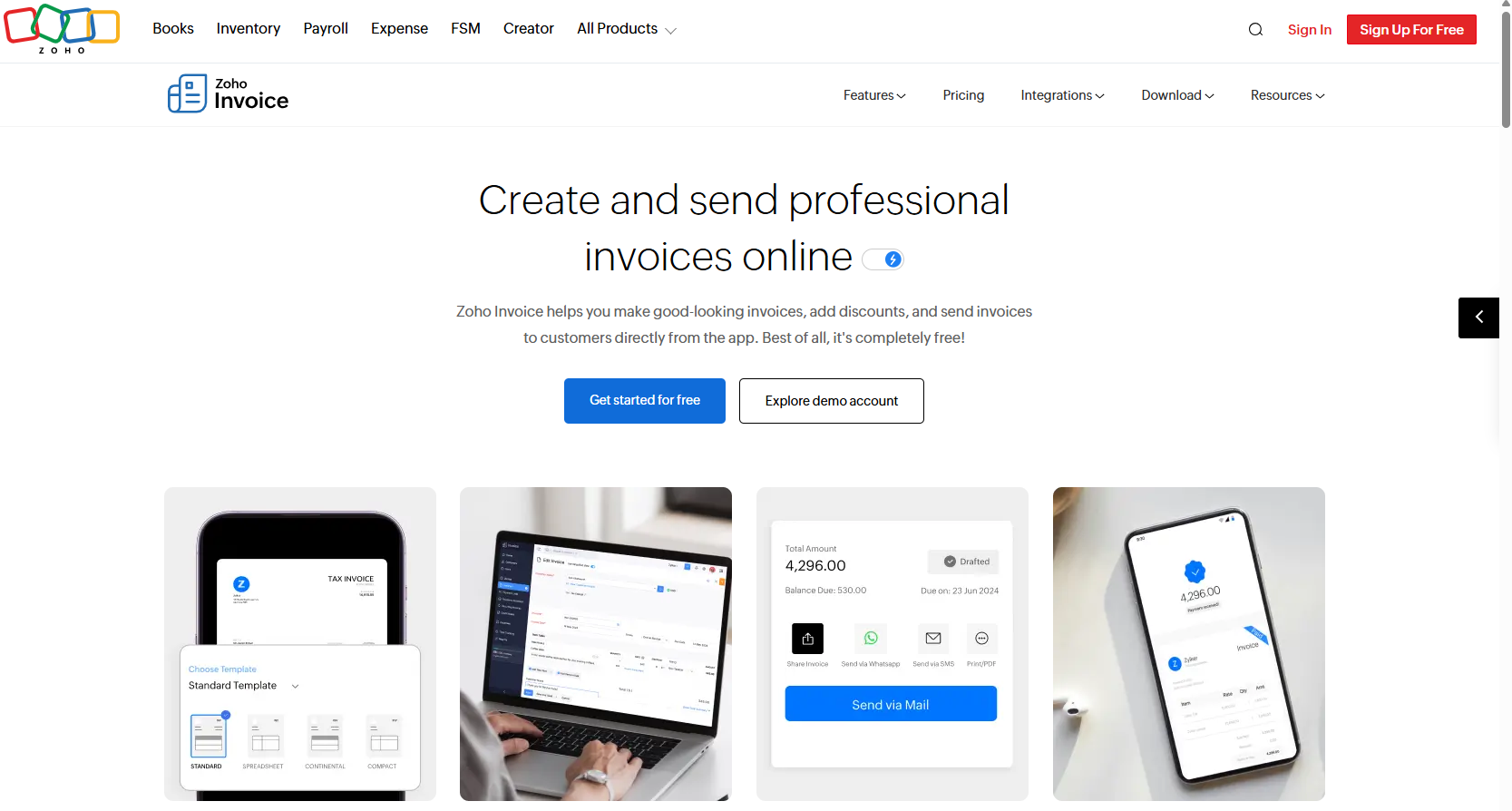
Zoho Invoice allows you to issue quotes, track project hours, record billable expenses, send invoices by email, link, WhatsApp or iMessage. You can take payment by card, bank transfer, PayPal or cash.
Key Features
-
-
- Quotes Convert to Invoices on Approval: Approved quotes become invoices automatically, carrying payment terms and deliverables across
- Client Portal for Approvals and Payment: Clients log in to view credits, approve quotes, pay invoices and download statements
- Project Time Tracking with Staff Logging: Team members log project hours from their own devices, and Zoho Invoice calculates the total owed
-
Pricing
Where Zoho Invoice Shines
-
-
- Payment reminders run automatically: Reminders on due payments send without manual follow-up
- Receivables reporting on the dashboard: Accounts Receivable ageing and top customer reports are available from the dashboard
- Billable expenses convert to invoice lines: Recorded costs are converted into invoices rather than re-typed
-
Where Zoho Invoice Falls Short
-
-
- No project budgets or cost control: The platform bills work. It does not track fee consumption or project margin
- No milestone or phase billing schedules: Staged fee drawdown has to be managed manually
- Depth requires the wider Zoho suite: Project management and full accounting sit in Zoho Projects and Zoho Books, which are separate subscriptions
-
Customer Reviews
“Zoho Invoice makes invoicing straightforward and organized. Creating professional invoices takes only a few minutes, and features like payment tracking, automated reminders, and customer management help reduce manual work.” Muzammil M.
Fred J, “I wish we could have an instant currency converter on it since I have clients from different countries and different currencies are required to issue the invoice.”
Who Zoho Invoice Is Best For
-
-
- Early-stage consultancies: Firms needing professional invoicing before they can justify software spend
- Consultants already inside Zoho: The CRM and Projects connections make it a natural default
-
6. Xero: Best for Firms Running Billing and Bookkeeping in One Ledger
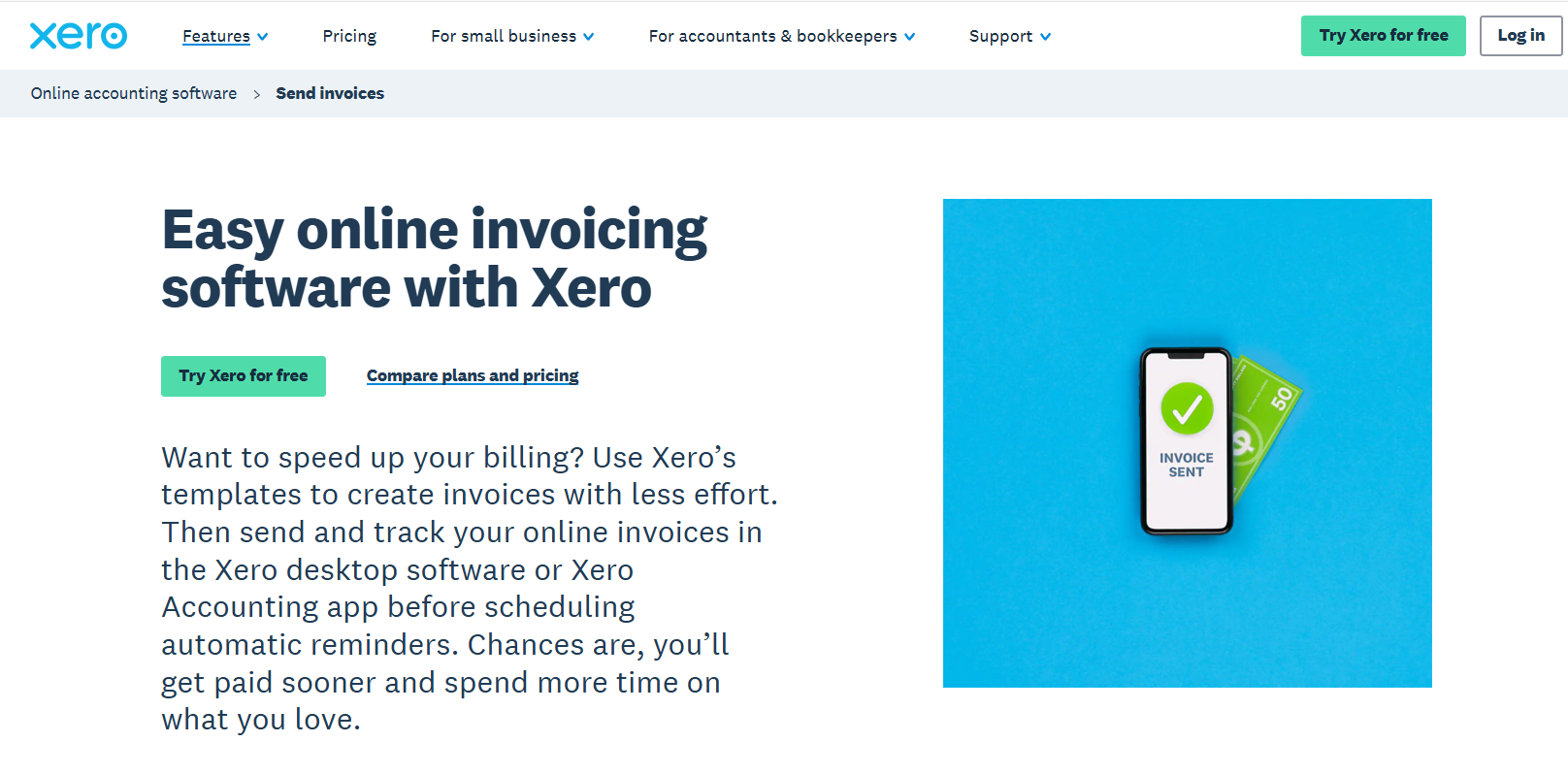
Xero is cloud accounting software with invoicing built in. You build invoices from customisable branding themes, send by email, SMS or PDF, add a Pay now button, and track when a client opens the invoice.
Key Features
-
-
- Repeating and Group Invoicing: Schedule recurring invoices, bill multiple clients at once, and reuse saved customer information to reduce repetitive data entry
- Payment Reminders: Send automatic reminders before and after an invoice is due. Reminders stop automatically once the invoice has been paid.
- AI Invoice Creation: Use the JAX AI assistant to create, edit, and send invoices using plain-language prompts, with support for Xero, WhatsApp, and SMS workflows.
-
Pricing
Where Xero Shines
-
-
- One-click payment on the invoice: A Pay now button routes clients to a secure payment page covering direct debit, card, Google Pay and Apple Pay through Stripe and GoCardless
- Invoice open tracking: You see the moment a client opens the invoice, which sets the timing for follow-up
- Receivables ageing and dashboard tracking: Every outstanding invoice appears on the dashboard alongside an Accounts Receivable Ageing Summary report
- Permissions and audit trail: Team members are given specific permission levels and every change is logged
-
Where Xero Falls Short
-
-
- Invoice caps at entry level: Lite only lets you send 5 invoices, and Starter allows 20 invoices per month, which most consultancies clear
- No fee structure or resource planning: Xero bills what you tell it to bill. Fee drawdown and team allocation happen elsewhere
-
Customer Reviews
“Xero is very user-friendly. The scan invoices feature, which auto-populates the bill, makes it very efficient.” Joey C.
Heather H: “The pricing policy tends to increase regularly without major new features, and the cost climbs fast if you add extra modules like advanced expense management.”
Who Xero Is Best For
-
-
- Consultancies that want billing and bookkeeping in one system: Xero works best when invoicing is part of a broader finance workflow
- Growing firms that need better cash flow visibility: Its reports, forecasts, and invoice tracking help teams stay on top of what is owed and paid
-
7. Scoro: Best for Consultancies Mixing Retainers and Fixed Fees
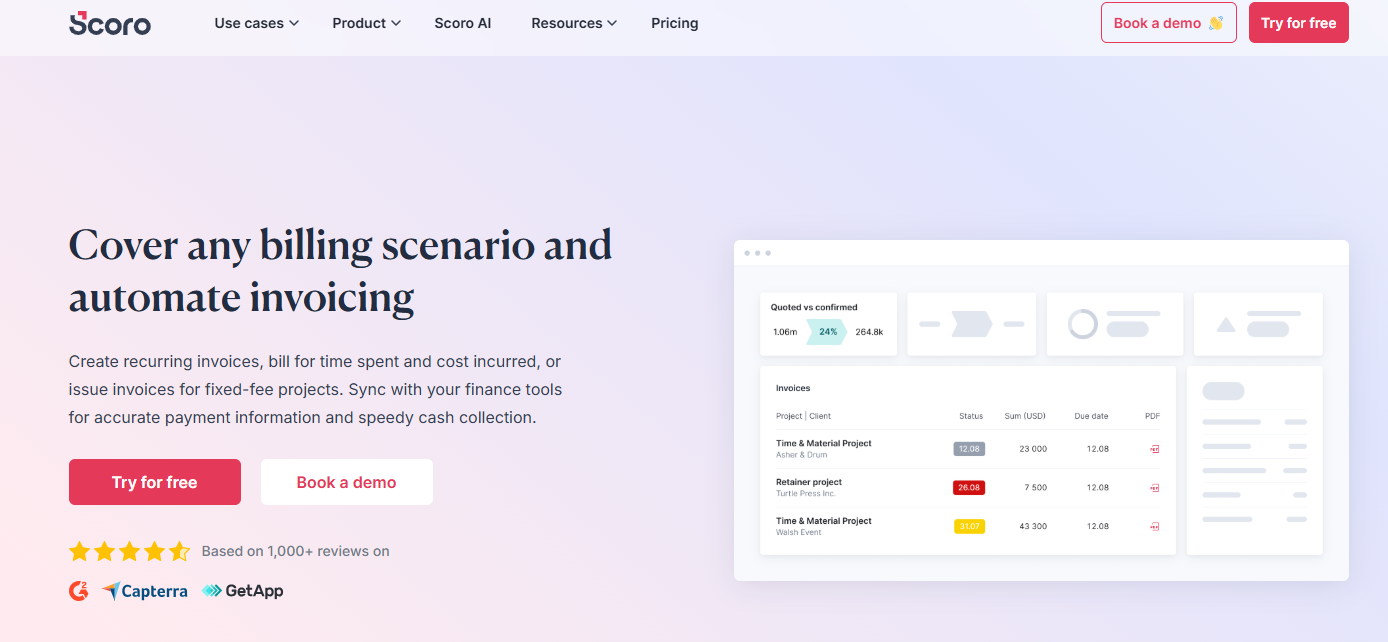
Scoro is a professional services automation platform covering projects, sales, resourcing and billing.
You can issue recurring invoices, bill for time spent and cost incurred, invoice fixed-fee projects, and sync financial data with your accounting tools.
Key Features
- Confirmed Quotes Convert with Partial Invoicing: Quotes become invoices, billing exactly what was agreed, and partial invoicing covers a proportion of the work as the project progresses
- Scheduled Retainer Invoices: Clients on a fixed monthly amount get invoices generated and issued automatically every period
- Billing Forecast on Booked Work: You see what has been invoiced and what remains, with a forecast built from booked work
Pricing
Where Scoro Shines
-
-
- Time and cost billing for T&M work: Invoices build from time spent and cost incurred in a few clicks, including client meetings
- Multi-entity financials: Each entity runs its financials separately while group-level reporting stays intact, with multi-currency invoicing across markets
- Invoice detail control: Customised PDF invoices show each client only what is relevant, including work report data showing where time went
- Collection and reminders: Payments run through a native Stripe integration, with late payment reminders configured alongside
-
Where Scoro Falls Short
-
-
- Core billing functions are add-ons: Allocating time and costs to invoices is a paid add-on on Core, Growth, and Performance
- Scheduled invoicing and bills are also sdd-ons below Enterprise, as is the customer portal
-
Customer Reviews
“As a project manager, I appreciate how setting up projects with due dates, labor costs, external costs, and invoicing helps me stay aligned from start to finish.” Kuldeep P.
“Scoro was a bit of a challenge to set up initially as there are so many customizations.” Cheryl H.
Who Scoro Is Best For
-
-
- Consultancies running mixed commercial models: Retainers, fixed fees and T&M billed from one system
- Multi-entity firms: who need separate financials with consolidated reporting. Our Scoro alternatives comparison covers firms weighing the seat minimum
-
How to Choose the Right Invoicing Software for Consultants
Late payment costs the UK economy almost £11 billion a year, and businesses affected spend an average of 86 hours each year chasing invoices.
By picking the right invoicing software for your consultancy firm, you’ll raise invoices early and accurately, and prevent these losses. Ask:
Does the Invoice Build Itself From Project Data?
The platforms worth shortlisting hold hours, rates and agreed fees in the same record, so the invoice is a read of the project rather than a rebuild of it.
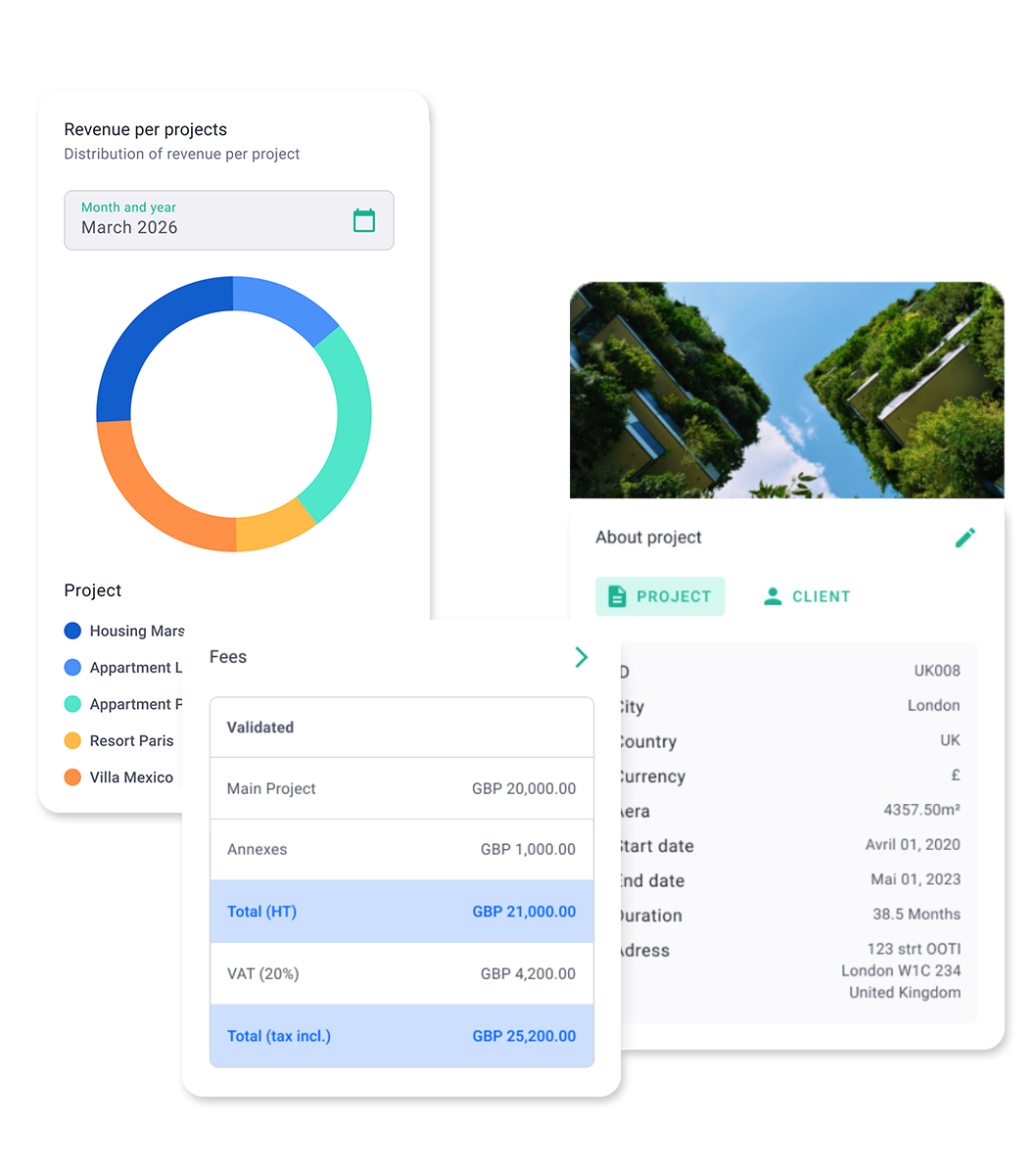
Milient Project Flow connects timesheets, fees and phase progress before the invoice is drafted, which is why the figure on the invoice matches the work signed off.
Can You Schedule Billing Against Phases and Milestones?
Recurring invoices repeat a fixed amount, but consultancy fees rarely work that way. What you need is a schedule that fires when a stage completes, or when an agreed percentage of the fee falls due.
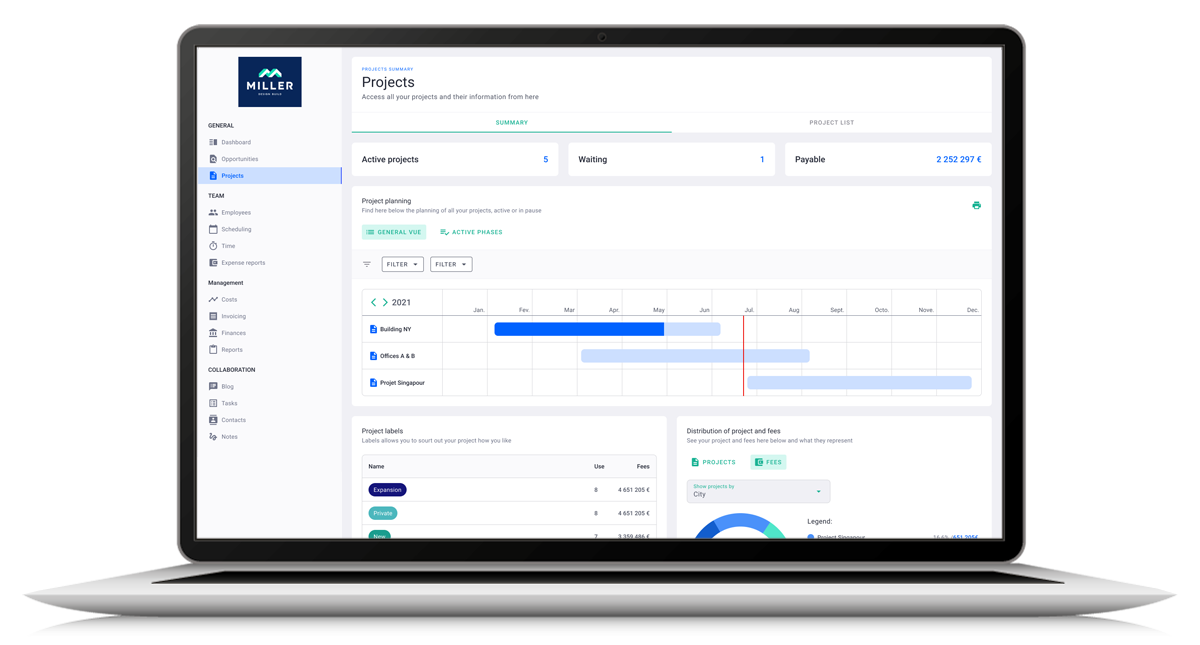
Milient Project Flow attaches billing schedules to phases and milestones, with staged payment and percentage rules configured at project setup rather than at month end.
Will It Push Approved Data Into Your Accounting System?
Double entry between a project platform and a ledger creates two versions of the truth. The fix is a full integration that moves approved data across without export files.
Milient Project Flow connects to Sage, Xero, QuickBooks, AccountsIQ, Access, Business Central and others, with Power BI and Tableau available for reporting on top.
Can You See Project Profitability, Not Just Revenue?
Alongside billing, look for budgeted versus actual hours, role-level cost, and margin per project.
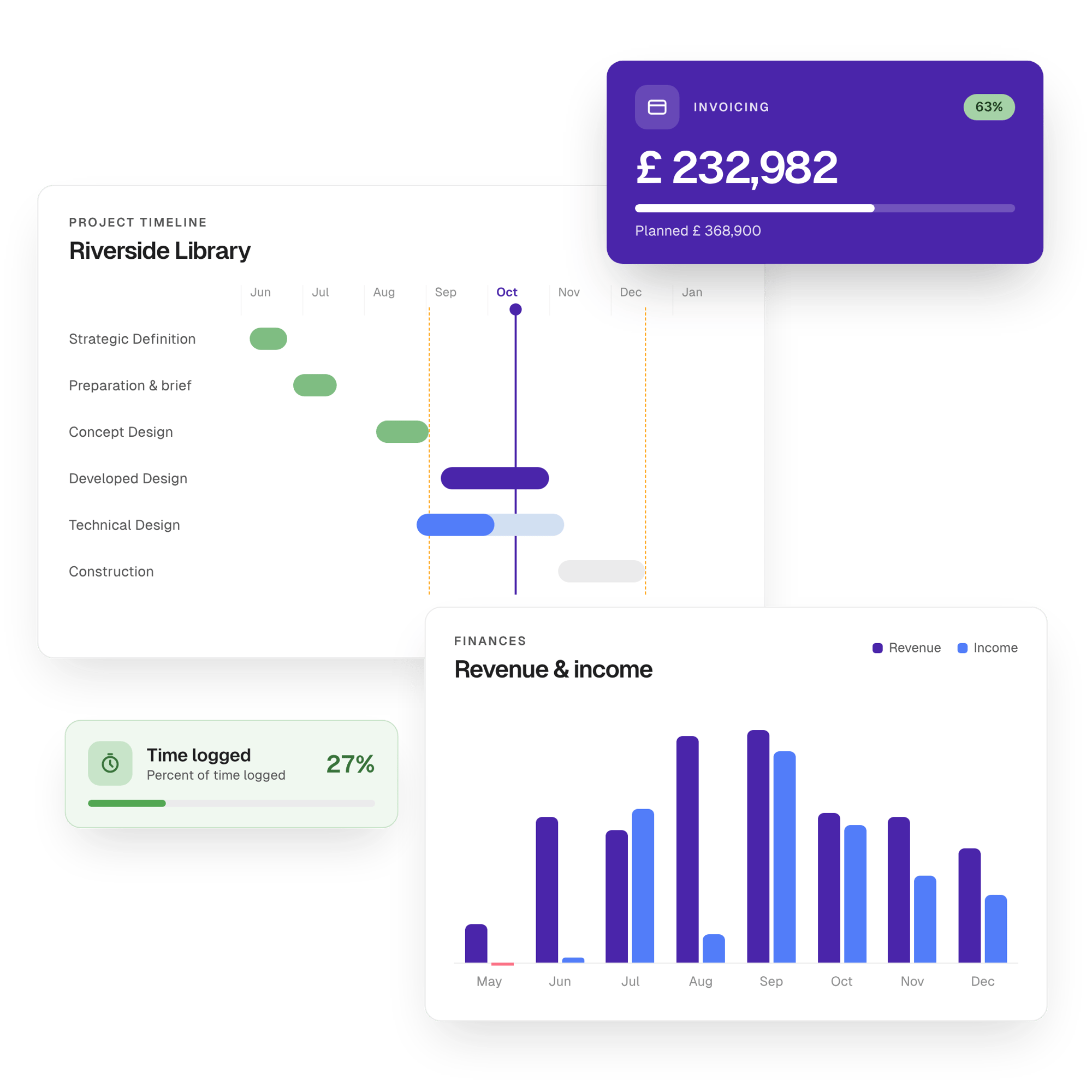
Project Flow tracks current, expected, and budgeted hours side by side and flags overruns in real time.
How We Selected These Invoicing Tools for Consultants
Our selection ran on four criteria:
-
-
- Fit with consultancy commercial models: Consultancies bill by retainer, time and materials, fixed fee, milestone, and project stage, often within the same business. We selected software that supports one or more of these billing models
- Invoice automation and billing flexibility: We compared how each platform creates invoices, whether from timesheets, approved quotes, recurring schedules, project phases, or milestones, and how much manual work remains before an invoice reaches the client
- Project and financial visibility: Beyond creating invoices, we looked at whether the software tracks project budgets, profitability, unbilled work, resource costs, and financial performance, or simply records invoices after the work is done
- Accounting and payment ecosystem: We evaluated integrations with accounting software, payment gateways, and financial reporting tools to understand how easily approved invoices move into the wider finance workflow
-
Final Word on Milient Software
Invoicing software for consultants has one job: bill the delivered work accurately, on time, without rebuilding the numbers.
That means holding hours, fees, and phase progress in one place, then scheduling the invoice against the project rather than the calendar.

Want more content like this? Follow Milient: