The best Harvest alternative for most UK architecture and engineering firms is Milient Project Flow, because it combines time tracking, fee budgets by phase, invoicing and links to Xero, Sage and QuickBooks in one system. CMAP suits consultancies that want a CRM built in, Scoro suits firms that want published prices, and Toggl Track suits practices that only need timesheets.
Prices and features in this comparison were checked on each vendor's website in October 2026. Harvest prices are in US dollars because that is how Harvest publishes them.
Which Harvest alternatives should architecture and engineering firms compare?
The five Harvest alternatives below cover the two moves practices usually make: a like-for-like timesheet tool, or a project-based system that also handles fees, resourcing and invoicing.
| Platform | Best for | Standout feature | Starting price |
|---|---|---|---|
| Milient Project Flow | UK architecture and engineering practices | Fee calculation from contract, time and costs, with invoicing plans per project | Price on request, per user per month |
| CMAP | Consultancies that want CRM and projects together | CRM, resource planning and project financials in one system | Price on request, per user |
| Scoro | Professional services firms that want published prices | Modular plans from time billing to end-to-end | £13 per user per month, minimum five users |
| Monograph | Small US architecture studios on QuickBooks | Project accounting and staffing in one plan | $45 to $490 per month, depending on firm size |
| Toggl Track | Practices that only need timesheets | Simple time tracking with billable rates | $9 per user per month (annual billing) |
Why are architecture and engineering firms leaving Harvest?
Architecture and engineering firms are leaving Harvest mainly because renewals now cost more, and the features practices rely on sit on the higher plan. Harvest's pricing page lists the Teams plan at $9 per seat per month on annual billing and the Enterprise plan at $14.
Profitability reporting and timesheet approval are only included in Harvest Enterprise. Harvest Teams and Enterprise also charge usage-based fees for additional invoices, projects, clients and tasks, and the pricing page does not publish those rates.
In our conversations with UK practices, the same pattern comes up. Many used Harvest only for timesheets, kept fees and stages in spreadsheets, and invoiced from Xero or Sage. A renewal at a higher price is the moment they ask whether one system could cover time, fees and invoicing instead.
What software are people switching to after Harvest's price hike?
Practices leaving Harvest after the price hike tend to choose between two routes. A practice that only needs timesheets can move to a cheaper time tracker. A practice that also wants to see fee burn by stage, plan who works on what and invoice from approved time usually moves to a project-based system.
The second route costs more per user, but it replaces the spreadsheets and manual exports that sit around Harvest. Our guide to what to look for in a Harvest alternative covers the requirements in more detail.
1. Milient Project Flow: Best for UK architecture and engineering practices

Milient Project Flow is project management software for architecture, engineering and consulting firms, made by Milient. Milient Project Flow covers time tracking, project budgets, resource planning, invoicing and profitability reporting in one system.
Key features
- Fees solver: Milient Project Flow calculates fees from the contract, time and costs, and can show co-contractor fees by phase.
- Invoicing from recorded work: Milient Project Flow creates invoices from the hours and expenses recorded in the system and can invoice clients automatically according to each project's invoicing plan.
- Accounting integrations: Milient lists full integrations with Xero, Sage and QuickBooks, plus Power BI, on its integrations page.
- Time tracking: staff log hours against projects, and project managers follow budget use as time comes in.
Pricing
| Plan | Price |
|---|---|
| Grow | Price on request, per user per month |
| Professional | Price on request, per user per month |
| Enterprise | Price on request, per user per month |
Onboarding is charged separately. Resource planning and multi-company structure are add-ons on the Professional plan and included in Enterprise.
Where Milient Project Flow shines
- Built for AEC firms: phases, fees and co-contractor costs follow how architecture and engineering projects run.
- Time, fees and invoicing together: the hours your team logs feed the project budget and the invoice, which removes the export from a timesheet tool into accounts.
- UK accounting links: Xero, Sage and QuickBooks integrations cover the accounting packages UK practices most often ask us about.
Where Milient Project Flow falls short
- No published price: you need a call to get a quote, which makes a quick side-by-side with Harvest harder.
- Add-ons below Enterprise: resource planning, multi-company structure and the Profit Factor profitability view depend on your plan, so price the plan you will need, not the entry plan.
- FreeAgent: FreeAgent is not listed on Milient's public integrations page. If you use FreeAgent, ask about it in a demo.
Customer reviews
"Very user friendly. The display is easy to understand and I can change my operating language. I like the visualisation and the blog, which helps me and my colleagues communicate on our project progress." - Verified user, Capterra
"Project Flow allowed me to stop relying on endless Excel spreadsheets. Updating the billable forecast is the feature that has saved me a huge amount of time. The support team is very responsive." - Verified user, Capterra
"The ease of use, it's intuitive enough." - Verified user, Capterra
“Recording time against specific project stages has given us much better visibility into where our time is going and how our projects are performing." Ian Blake, Founder and Managing Director, IB Architects.
Who Milient Project Flow is best for
- UK architecture, engineering and consulting practices that bill by fee stage and use Xero, Sage or QuickBooks.
You can see how this works for practices on the Milient page for architects and the Project Flow product page.
2. CMAP: Best for consultancies that want CRM and project management together
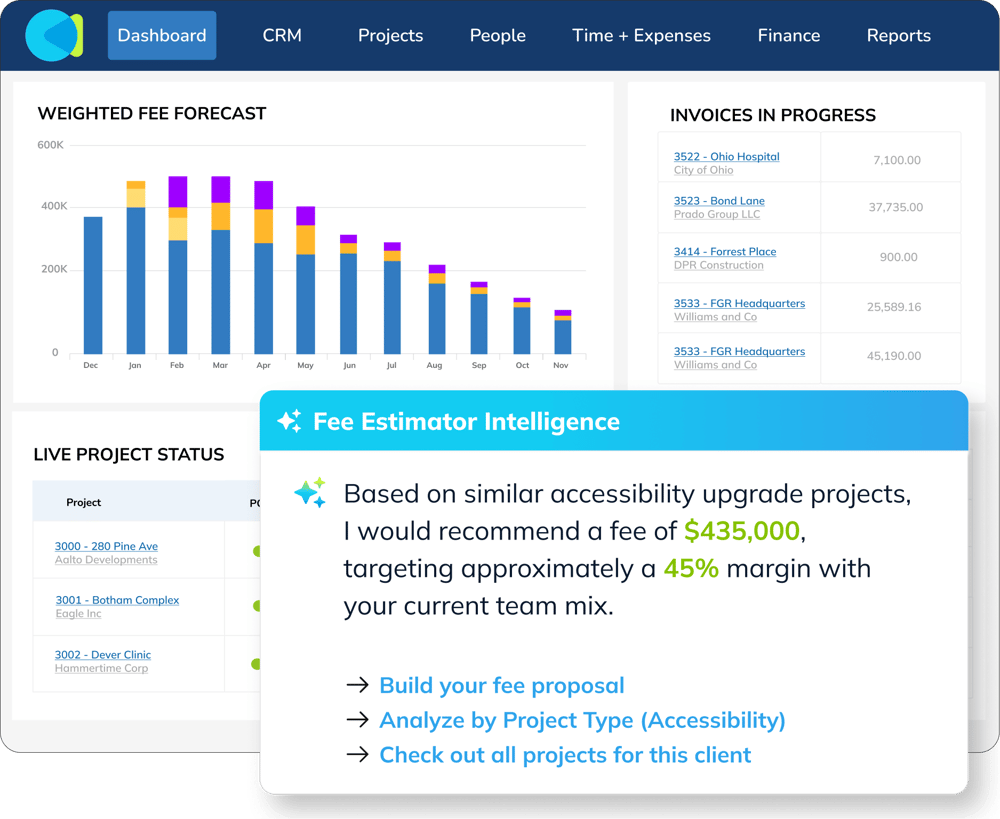
CMAP is project management and CRM software for professional services firms. CMAP sells a plan for architects and engineers that combines CRM and project management, and separate plans for consultants, life sciences and accountants.
Key features
- CRM: CMAP tracks opportunities and client contacts alongside projects.
- Resource planning: CMAP plans resources and reports utilisation across projects.
- Project financials: CMAP shows real-time project financials, including forecasts and profitability.
- Time and expenses: CMAP records time and expenses with approval workflows.
Pricing
| Plan | Price |
|---|---|
| Architects & Engineers | Price on request, per user |
Where CMAP shines
- Sales and delivery in one place: bids, clients and projects share one record, which suits practices that manage bids and client relationships as closely as delivery.
- Sage and QuickBooks: GetApp's UK listing names integrations with Sage 200, Sage 50, Sage Intacct and QuickBooks Online.
Where CMAP falls short
- No published price: CMAP's pricing page lists plans but not prices.
- More than a timesheet replacement: a CRM-led system asks for more set-up than a practice that only used Harvest for timesheets may want.
- Xero: the GetApp UK listing does not name a Xero integration, so Xero users should confirm the connection.
Customer reviews
"I like that CMap gives me clear views of project finances and resources. Timesheets are easy to complete and have improved compliance, and expenses are easy to enter and track against projects. I find the interface intuitive, with admin functions that are easy to access and straightforward, without confusing labels or unnecessary jargon.
However, at our plan level, I can’t control reminder notifications, and some notifications seem to be missing. I’d like a notification when a timesheet is rejected. I also can’t type into date fields, so I have to select dates from a calendar. Report filters can be inconsistent too: if I choose all offices, I lose the option to select a business unit. These are minor inconveniences overall."
- Verified G2 reviewer
"From an operational point of view, it’s helpful to have instant dashboards and information all in one place. However, there are still a few nuances that need a workaround for non-permanent staff, for example, contractors. It would also help to make things easier for users, such as allowing them to enter days instead of hours."
- Verified G2 reviewer
"The timekeeping feature is really easy to use. Its also easy as a finance admin to monitor timesheets for completeness and accuracy. I can reopen timesheets very easily and control the weekly/monthly usage to make sure folks are submitting timecards on time. However, The reporting feature in CMAP is cumbersome. Creating custom reports is quite difficult and requires a bit of poking around in the system AND help from support is required to fully understand and comprehend the custom reporting features."
- Verified G2 reviewer
Who CMAP is best for
- Consultancies and larger practices that want business development and project delivery in one system.
3. Scoro: Best for professional services firms that want published prices
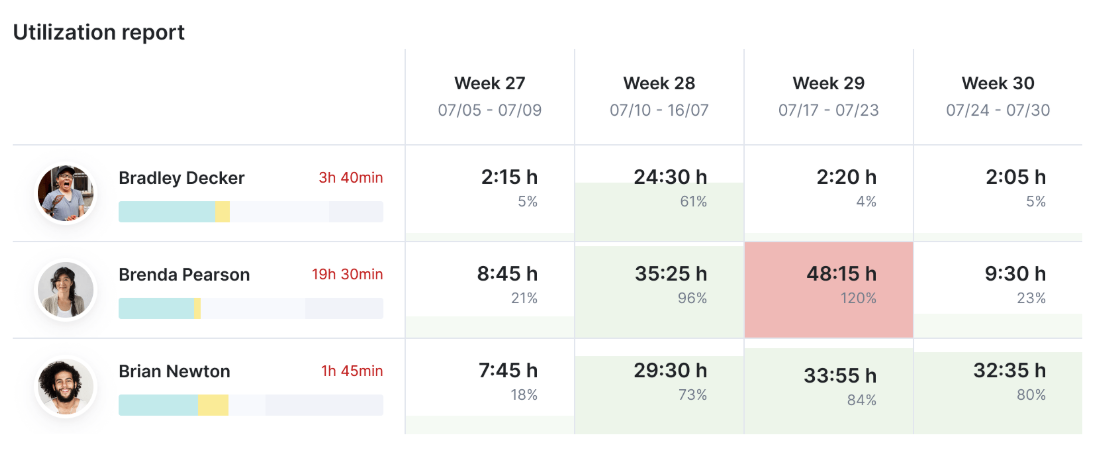
Scoro is work management software for professional services firms. Scoro sells four modular plans, from time billing on its own to an end-to-end plan covering projects, resources, quotes and invoicing.
Key features
- Modular plans: Scoro lets you start with time billing and add projects, resources or quote-to-cash later.
- Quote to cash: Scoro links quotes, work and invoices in its Quote to Cash and End-to-end plans.
- Integrations: Scoro lists Xero and QuickBooks among its integrations; some integrations are free and others are charged per integration or per user.
Pricing
| Plan | Price |
|---|---|
| Time-billing | £13 per user per month |
| Projects & Resources | £22 per user per month |
| Quote to Cash | £22 per user per month |
| End-to-end | £43 per user per month |
Scoro's pricing page sets a minimum of five users, offers a 14-day free trial and gives a 13 to 17% discount for annual billing.
Where Scoro shines
- Prices in pounds: you can estimate the cost of a switch before you speak to sales.
- Start small: the Time-billing plan is the nearest Scoro equivalent to Harvest, with room to add modules later.
Where Scoro falls short
- Five-user minimum: a three-person practice pays for five seats.
- The full set costs more: projects, resources and invoicing together means the End-to-end plan at £43 per user per month.
- Integration charges: some integrations carry an extra fee, so check the cost of your accounting link.
Customer reviews
"The Planner view is really intuitive. It helps to visualise team member capacity, ensuring that workloads are balanced and avoid burnout. Eliminate switching between multiple apps as all CRM, task tracking, resource management and invoicing is in one place. However, the system is very feature rich and therefore can take time to train new non-technical members of the team. The cost can be a bit high, in particular for smaller teams. As more users and advanced features are added to the account, the cost will increase. "
- Verified G2 reviewer
"I find it really helpful that Scoro can handle several tasks I previously had to spread across multiple tools. However, because I work on large campaigns, the lack of subtasks is a bit of an issue, although I’ve heard we may be getting that functionality soon. I’d also like an option to integrate Scoro with Slack"
- Verified G2 Reviewer
"The thing I appreciate most about Scoro is that it wraps quotes, timelines, resource planning and change orders all in one place. However, the reporting options also feel too generic for railroad manufacturing. Our leadership wants clean, filtered breakdowns showing project margin, change‑order cost, and schedule slippage for our rail component jobs. "
- Verified G2 Reviewer
Who Scoro is best for
- Multi-disciplinary consultancies of five or more people that want to price the switch from a public price list.
4. Monograph: Best for small US architecture studios on QuickBooks

Monograph is project management and project accounting software for architecture and engineering firms, priced in US dollars. Monograph sets the monthly price from your number of employees rather than per seat.
Key features
- Project accounting: Monograph includes project accounting, forecasting and unlimited projects and reports in its plan.
- Staffing: Monograph includes staffing management and project planning.
- QuickBooks: Monograph lists a QuickBooks integration on its pricing page.
Pricing
| Plan | Price |
|---|---|
| Single plan, priced by firm size | $45 to $490 per month |
| Pipeline | Add-on, priced separately |
Where Monograph shines
- One plan: Monograph's pricing page includes onboarding support and training in the plan.
- Price by firm size: a small studio pays a monthly amount rather than a per-seat rate.
Where Monograph falls short
- Built for the US market: prices are in dollars and the accounting integration named on the pricing page is QuickBooks.
- Xero: Monograph's pricing page does not name a Xero integration, which matters for UK practices that keep their books in Xero.
- Pipeline costs extra: business development tracking is a separate add-on.
Customer reviews
"When it comes to specifically manage projects, i really appreciate Monograph's capabilities as it let me track multiple projects at once and let me know what projects, or project phases, need my attention. However, a con is the fact that I need to subscribe to other tools to make it complete. If Monograph could offer an all-in-one suite (from estimate to billing), i would highly recommend it."
- Verified Capterra reviewer
"I loved the idea of the software but it fails to deliver on the most basic functionality. I wish it did what the promotional material says it does. However, adding previously billed amounts does not function from project that were started before we migrated to the software. We were told it was a glitch but there was no urgency to fix it. We cannot prepare invoices and we are a small firm that does not have the reserves to wait until they get around to fixing this basic function."
Who Monograph is best for
- Small architecture studios that bill in US dollars and use QuickBooks.
5. Toggl Track: Best for practices that only need timesheets
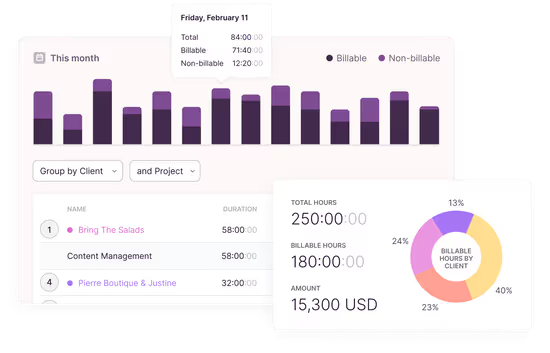
Toggl Track is a time tracking tool used by teams in many industries. Toggl Track is the closest like-for-like replacement for a practice that used Harvest only to record hours.
Key features
- Billable rates: Toggl Track sets billable rates on the Starter plan and above.
- Project estimates: Toggl Track compares tracked time with project estimates from the Starter plan.
- Timesheet approvals: Toggl Track includes timesheet approvals on the Premium plan.
Pricing
| Plan | Price |
|---|---|
| Free | $0, for small teams |
| Starter | $9 per user per month (annual), $12 (monthly) |
| Premium | $16 per user per month (annual), $24 (monthly) |
| Enterprise | Price on request |
Where Toggl Track shines
- Quick to adopt: a practice that only tracked time in Harvest can switch with little set-up.
- Clear prices: Toggl Track's pricing page lists every paid plan except Enterprise.
Where Toggl Track falls short
- No invoicing listed: the Toggl Track pricing page does not list invoicing, so billing stays in your accounts package.
- No accounting integration listed: the pricing page does not name Xero or QuickBooks.
- Approvals cost more: timesheet approval needs Premium at $16 per user per month on annual billing.
Customer reviews
"We use Toggl every day to track time against client projects, and the interface is the main reason it has stuck with our team. Starting and stopping timers takes a click, and the entries update in real time, so we rarely have to go back and fix hours at the end of the week. However, occasionally Toggl feels sluggish, mostly when [loading large reports / switching between projects / syncing the timer across devices]. "
- Verified G2 Reviewer
"I like that Toggl helps me keep my time tracking accurate, from start to end, and provides visibility on what I've done and how much time it's taken. However, sometimes Toggl isn't perfect because of the frequent updates, which can be both helpful and annoying. For example, there's a new feature that notifies me when I've been idle, which is nice, but sometimes the timing isn't accurate."
- Verified G2 Reviewer
Who Toggl Track is best for
- Small practices that want timesheets only and are happy to keep fees and invoicing elsewhere.
How to choose a Harvest alternative for an architecture or engineering practice
Choosing a Harvest alternative comes down to four checks. Run each one against your own projects, not a vendor's demo data.
Can you track time against fee stages?
Architecture and engineering fees are agreed by stage, so a Harvest alternative should show hours and cost against each stage's fee while the stage is running. If the tool only records hours by project, you will still need a spreadsheet to see fee burn.
Does it connect to your accounts, including every company you run?
Check the exact accounting package and version: Xero, Sage 50, Sage 200, QuickBooks or FreeAgent. If your practice runs more than one company, ask whether the connection handles several Xero or Sage entities, and test it in a trial. Milient lists its accounting connections on the Milient integrations page.
What will the plan cost when you need approvals and profitability reports?
Price the plan with the features you will use in two years, not the entry plan. In Harvest, approvals and profitability reports sit on Enterprise. Most alternatives also gate resourcing, multi-company and profitability features, and some add onboarding fees or minimum seat counts.
Can you switch before your Harvest renewal?
Start two to three months before your Harvest renewal date. That leaves time to trial the new system on live projects, set up your fee structure and move active projects without paying for both tools or renewing for another year.
Frequently asked questions