
Key takeaways
 Milient Project Flow: Best job costing software for architecture, engineering, and consultancy firms that need full project control from offer to invoice
 QuickBooks Online: Best for small businesses that want solid construction accounting basics inside a familiar bookkeeping tool
 NetSuite: Best for fast-growing enterprise firms that need a scalable ERP software solution with advanced cost accounting capabilities
You finished the job. The crew showed up, materials got used, the client signed off. Then you run the numbers and somehow you still lost money. Job costing software is how you stop that from happening again.
It tracks every labor hour, material cost, and subcontractor charge against what you actually quoted, in real time, not after the invoice goes out.
This guide breaks down how job costing software works, what to look for, and which tools are worth your time, so your next project turns a profit.
9 Best Job Costing Software: A Quick Overview
Milient: Best for Job Costing
Milient Project Flow is designed specifically for architects, engineers and consultancies that need real-time job costing across projects.
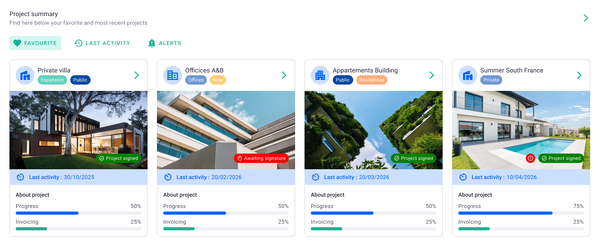
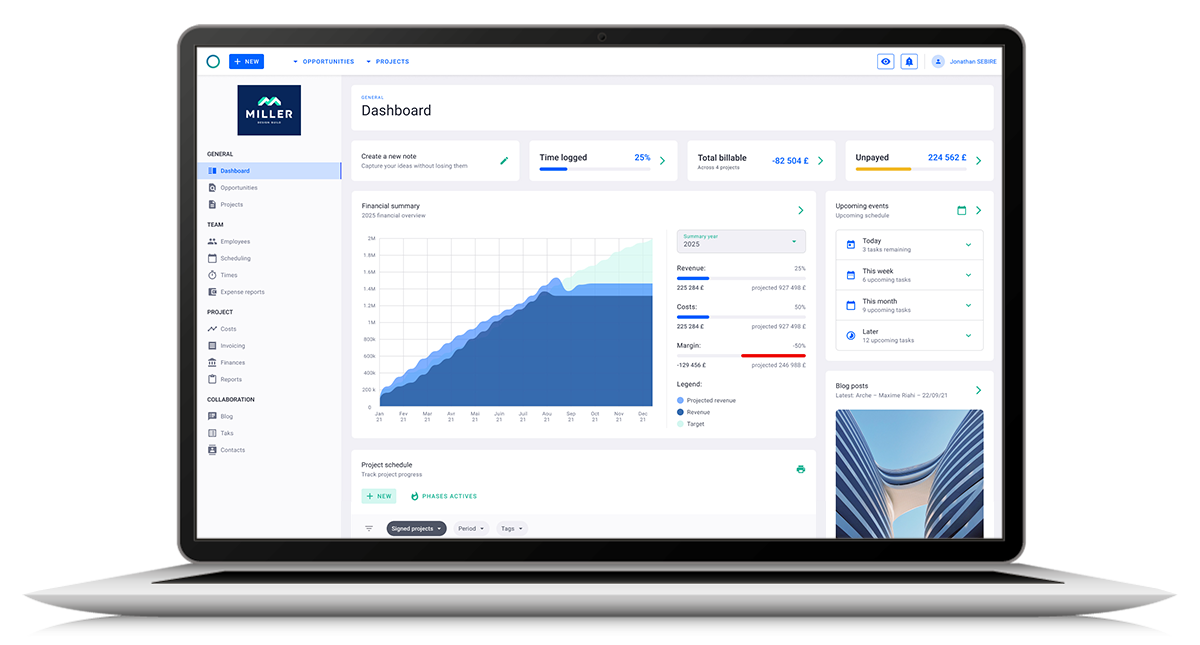
It connects budgeting, time tracking, and financial data in one system, giving real-time visibility into project costs and profitability. Unlike traditional accounting tools, Milient links job costing directly to project delivery, making it especially valuable for architecture, engineering, and consultancy teams.
Key Features
Milient approaches job costing as part of the full project lifecycle, rather than a standalone accounting function. This means teams can track costs, monitor budgets, and understand profitability as work progresses, not just after invoicing.
1. Time tracking & timesheets
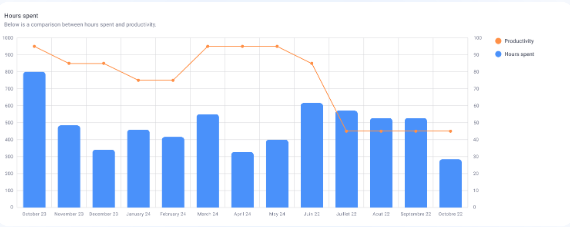
Milient allows teams to log time directly against projects and phases, creating an accurate view of labour costs. Managers can track workload and productivity in real time, ensuring project costs stay aligned with budgets. This forms the foundation of accurate job costing.
/time%20management.svg)
2. Budget tracking & cost control
Set budgets in hours or monetary value and compare them against actual performance as projects progress. Milient updates costs dynamically, helping teams spot overruns early and adjust before margins are impacted. This real-time control is key for profitable project delivery.
3. Cost breakdown & expense management
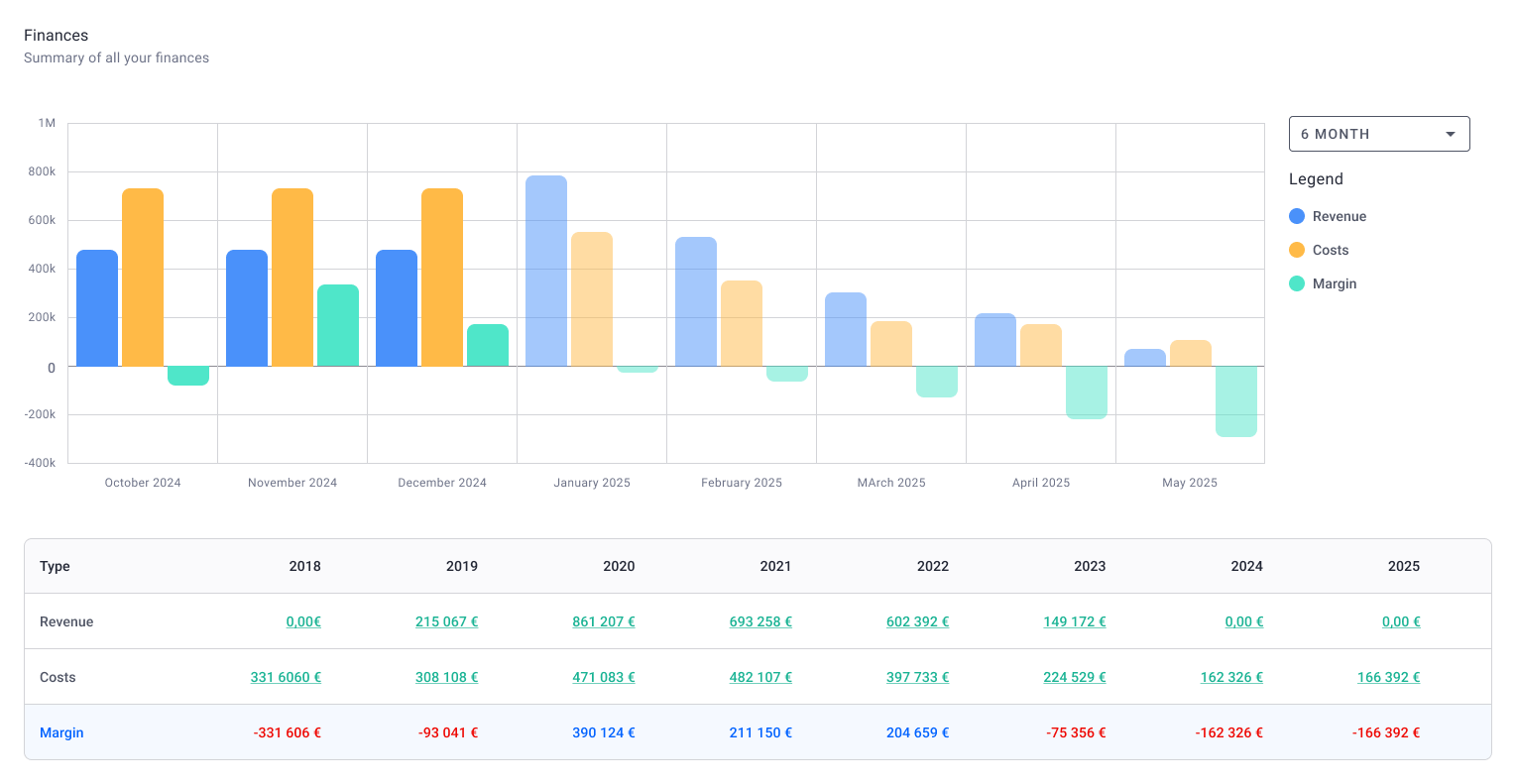
Milient provides a clear breakdown of project costs, including salaries, overheads, and external expenses. Teams can upload expense reports and assign them directly to projects, ensuring all costs are captured. This gives a complete view of true project profitability—not just billable time.
Pricing
Milient’s pricing includes core features like time tracking, budgeting, cost control, and invoicing, making it a strong option for teams looking to manage job costing and project delivery in one system.
Where Milient Shines
-
-
- AEC-specific depth: Phase-based project structure, offer-to-invoice flow, and profitability tracking built around how architecture and engineering firms work, not adapted from generic tools
- Scales with growing teams: Designed for organisations managing multiple projects, teams, or locations, it maintains structure and control as complexity increases.
- Responsive, human support team: Multiple Capterra reviewers praise the quality and speed of the support team. For firms migrating from spreadsheets or legacy tools, that matters during setup.
-
Where Milient Falls Short
-
-
- Minor admin gaps: A couple of users note that invoice numbering based on accounting period dates and the word processing section could use further refinement, small but worth knowing if your firm has specific invoicing conventions.
- More structured than basic tools: May feel feature-heavy for very small teams needing simple cost tracking only.
-
Customer Reviews
“Great visibility across projects, resources, and financials in one place. The interface is easy to understand and helps our team stay aligned on project progress.”
“OOTI (now Project Flow) has become essential to how we work. It simplifies invoice follow-ups and forecasting, saving us significant time once everything is set up. A real improvement compared to managing everything in spreadsheets.”
Who Milient Is Best For
- Architecture and Engineer teams: Project-based businesses that need real-time job costing tied to delivery and profitability.
QuickBooks Online - Best for SMB Job Costing Basics
QuickBooks Online is the most widely used cloud-based accounting tool for small businesses globally, and for good reason.
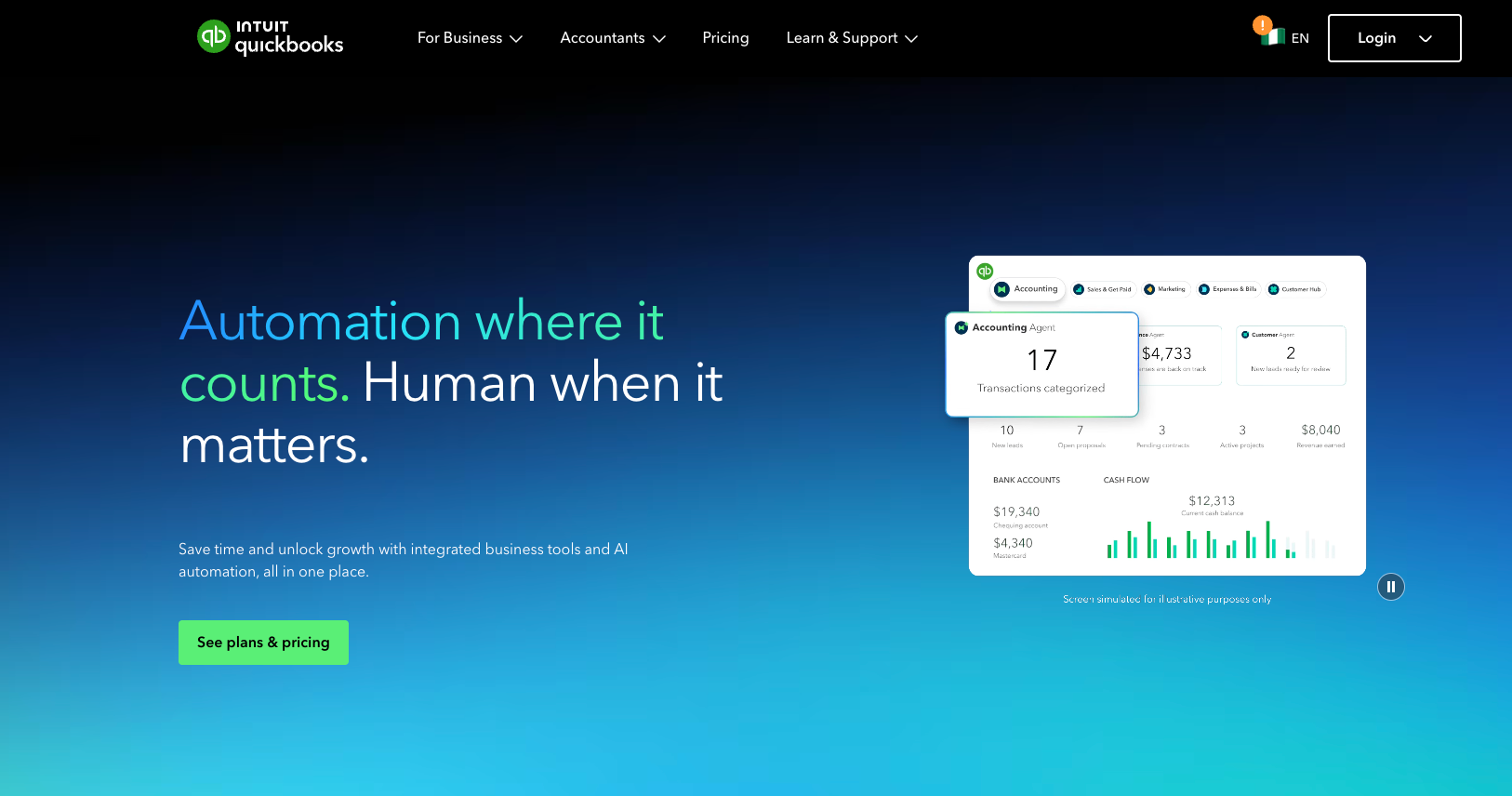
Its Projects hub consolidates income, labor costs, and expenses into a single profitability view, making it one of the more accessible entry points for job costing in smaller operations.
Key Features
-
-
- Automated accounts receivable and invoicing with AI-assisted bank feeds
- General ledger management and cash flow reporting built in
- Mileage tracking and receipt capture via mobile
-
Pricing
Where QuickBooks Online Shines
-
-
- Ease of use: The interface is familiar, well-documented, and supported by a huge user community
- Integrations: Connects with hundreds of tools via its app ecosystem, including payroll systems and construction estimating add-ons
-
Where QuickBooks Online Falls Short
-
-
- Shallow project depth: The Projects feature gives profitability snapshots but lacks the phase-level control or resource visibility that engineering or AEC firms need
- User cost scales fast: The $115/month Plus plan only includes up to five users — costs climb quickly for larger teams
-
Customer Reviews
“I like how you can quickly search for any customer information. You can create a statement with a balance forward or open item as well.” — Verified G2 review
“Sometimes, the payment link doesn't seem to work properly, and they have to keep refreshing it, and then try again the next week to pay via card. — Verified G2 review
Who QuickBooks Online Is Best For
-
-
- Small service businesses that need solid cost accounting basics without a steep learning curve
-
LiveCosts - Best for SMB Contractors
LiveCosts focuses on the heavy lifting of construction data analytics. It is designed for contractors who are tired of losing money on un-tracked material deliveries.
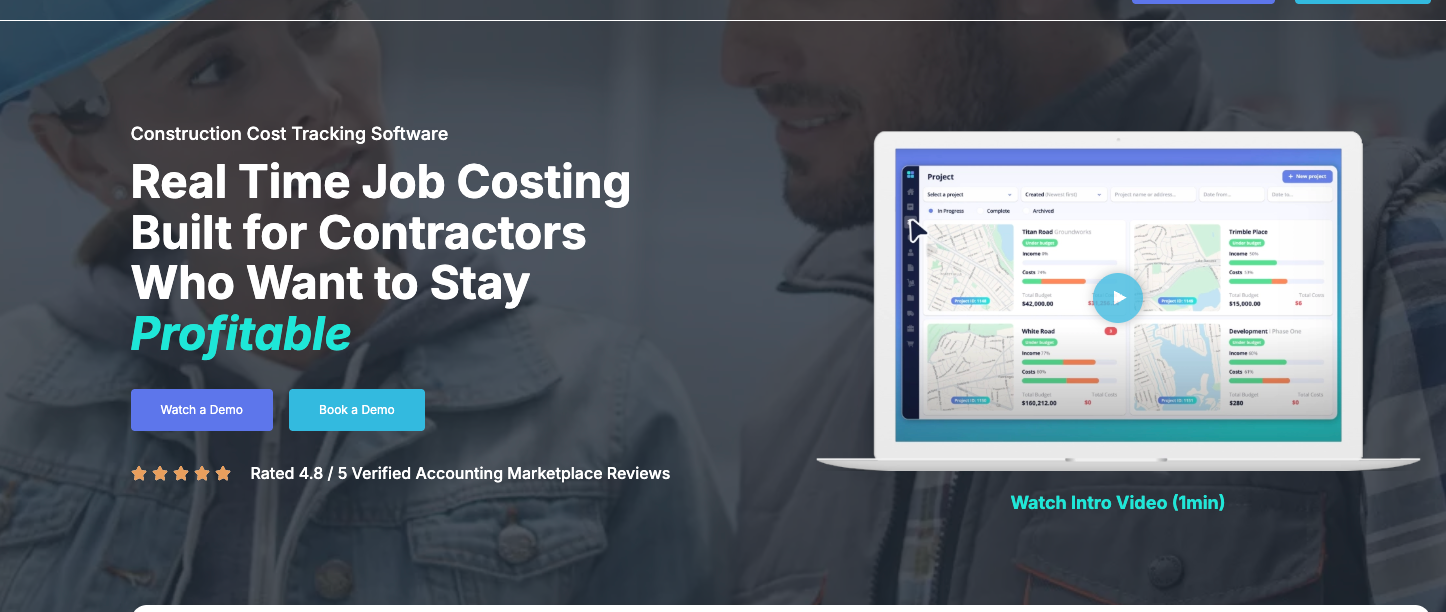
Key Features
-
-
- AI-powered invoice data extraction to cut manual entry
- 3-way PO matching that validates invoices against delivery notes
- Labor costs and plant management
-
Pricing
Custom quote based on team size and annual project volume. A 14-day free trial is available.
Where LiveCosts Shines
-
-
- Invoice Capture: Uses AI to pull data from paper invoices instantly.
- Anti-overcharge controls: The PO matching system is genuinely rare at this price point
-
Where LiveCosts Falls Short
-
-
- No full Professional Services Automation (PSA): No resource planning, utilisation tracking, or offer-to-invoice flow
- Limited reporting depth for multi-entity or enterprise operations
-
Customer Reviews
“The exceptional factor about Livecosts is its simplicity. It eliminates the need for complicated spreadsheets and maintains all my construction mission charges organized in a single vicinity. " — Verified G2 review
‘Livecosts excels at easy charge monitoring, but I occasionally locate it lacking in reporting abilities." — Verified G2 review
Who LiveCosts Is Best For
-
-
- Construction contractors needing tighter commercial control
-
BigTime - Best for Finance-Heavy Professional Services
BigTime combines time tracking, billing, and reporting into one PSA platform.
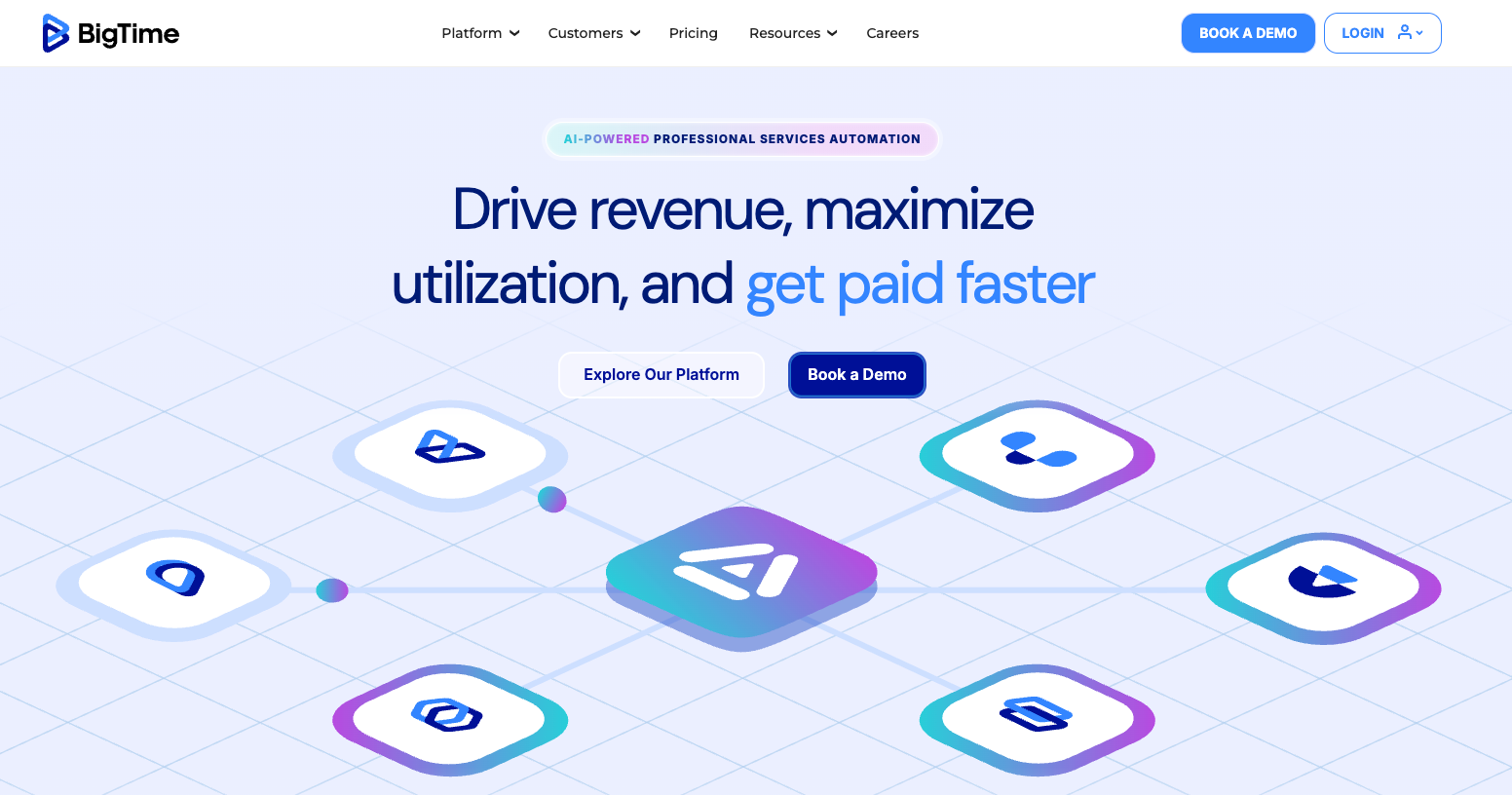
Its strongest advantage is deep integration with accounting systems like QuickBooks, making it popular among finance-led teams.
Key Features
-
-
- Deep QuickBooks and accounting system sync
- Pay rates and labor burden configuration
- Resource scheduling and multi-currency support on higher tiers
-
Pricing
Who BigTime Is Best For
-
-
- Finance-focused professional services firms where accounting integration is the primary requirement
-
NetSuite - Best Enterprise ERP Software with Job Costing
NetSuite is an enterprise-grade cloud-based ERP that pulls financials, CRM, HR, and professional services automation into one platform.
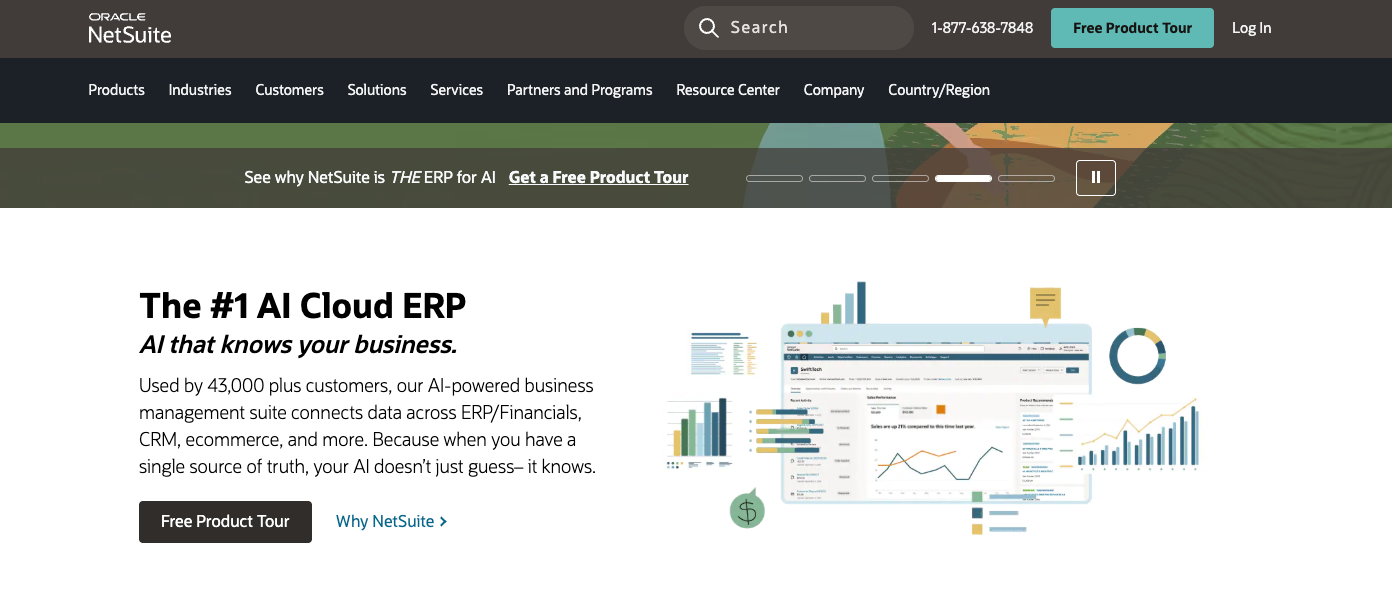
Its job costing capabilities are powerful but they come with complexity and a cost structure that puts it firmly in the enterprise category.
Key Features
-
-
- Cost accounting and real-time profitability dashboards
- Accounts receivable, automated revenue recognition, and general ledger
- Non-profit grant accounting and multi-entity consolidation
- Advanced resource management and construction data analytics
-
Pricing
Base license starts around $999/month, plus approximately $99/user/month for additional users. Implementation costs often reach five to six figures.
Where NetSuite Shines
-
-
- Scalability: Handles global, multi-entity businesses without needing to bolt on additional tools
- Customization: Deep configuration options via SuiteSuccess modules for industry-specific needs
-
Where NetSuite Falls Short
-
-
- Steep learning curve and a legacy UI that users frequently describe as clunky
- High total cost of ownership as implementation alone can be a six-figure investment
-
Customer Reviews
“What I like best about NetSuite is that it provides a complete, cloud-based ERP solution that brings together finance, order management, inventory, and reporting in a single platform." — Verified G2 review
‘One of the challenges with NetSuite is that the user interface can sometimes feel less intuitive, especially for new users. Certain configurations and customizations may require technical expertise, which can increase dependency on developers or consultants." — Verified G2 review
Who NetSuite Is Best For
-
-
- Large enterprises needing a full operational platform
-
CMap - Best for AEC Project Financial Management
CMap is a PSA platform used by consultancies and AEC firms. It integrates CRM, resource planning, and financial tracking into one system.
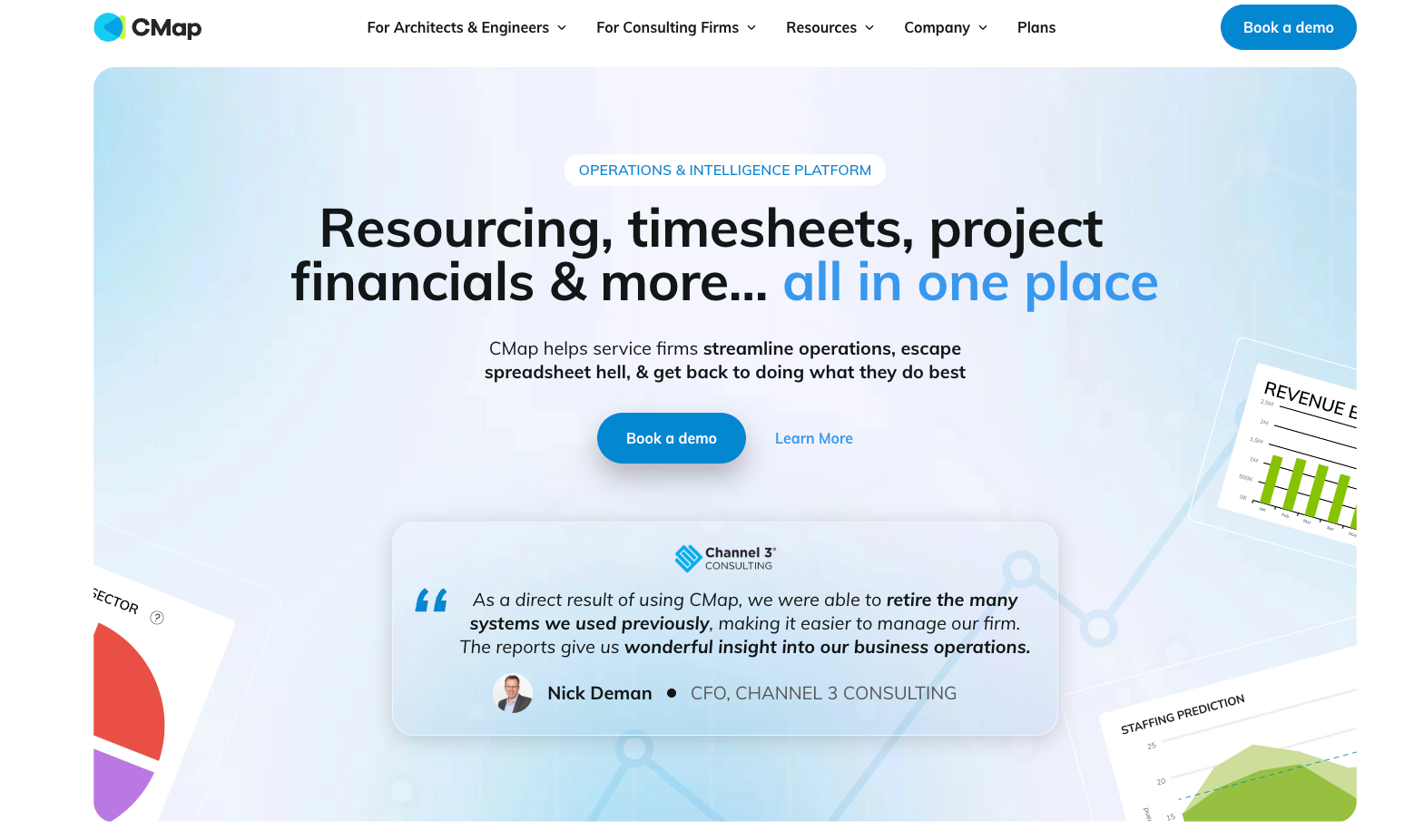
Pricing: Custom pricing based on tiers (Starter, Growth, Pro).
Best for: Small to mid-market professional services firms focused on project profitability and staff utilisation
To understand its limitations and real-world performance, you can check out our comprehensive CMap review. If you want to see how it matches up against similar tools, read our breakdown of the best CMAP alternative options.
BQE CORE - Best for Modular Billing Customization
BQE CORE offers a wide range of billing automation tools and module options, making it a strong fit for mid-sized firms with complex billing structures.
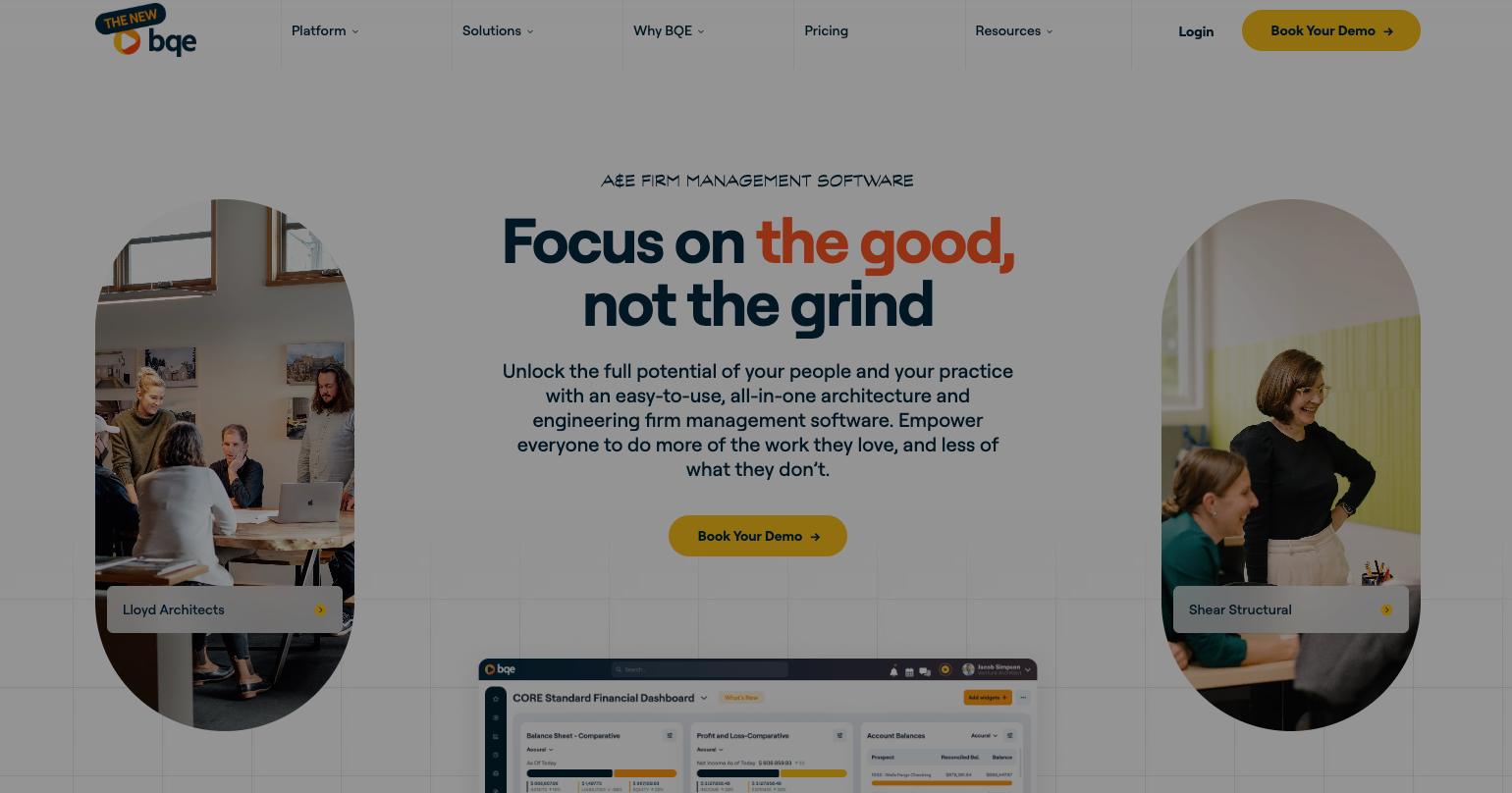
However, users regularly flag performance lag when handling large datasets, and initial configuration can be intensive.
Pricing: Starts around $20/user/month; full pricing is custom-quoted based on modules (Accounting, HR, CRM) and user count.
Best for: Mid-size firms that need a high degree of billing customization and are prepared for a longer setup process.
Xero - Best Accounting Ecosystem
Xero is a leading cloud-based accounting platform known for its clean UI and one standout policy: unlimited users across all plans.
Xero Projects adds basic job costing and time tracking functionality, making it a solid starting point for small service-based businesses..
Pricing: Starter (Ignite) at $29/month (limited invoices); Standard (Grow) at $46–$50/month; Premium (Comprehensive) at $62–$75/month.
Best for: Growing service-based businesses and international firms needing multi-currency support and clean accounting system basics.
Deltek ComputerEase - Best for Large Engineering Enterprises
Deltek is a heavy-duty ERP for large engineering and construction organizations with complex compliance requirements. Its depth is genuinely impressive but that depth comes with significant setup time, a non-intuitive UI, and enterprise pricing to match.
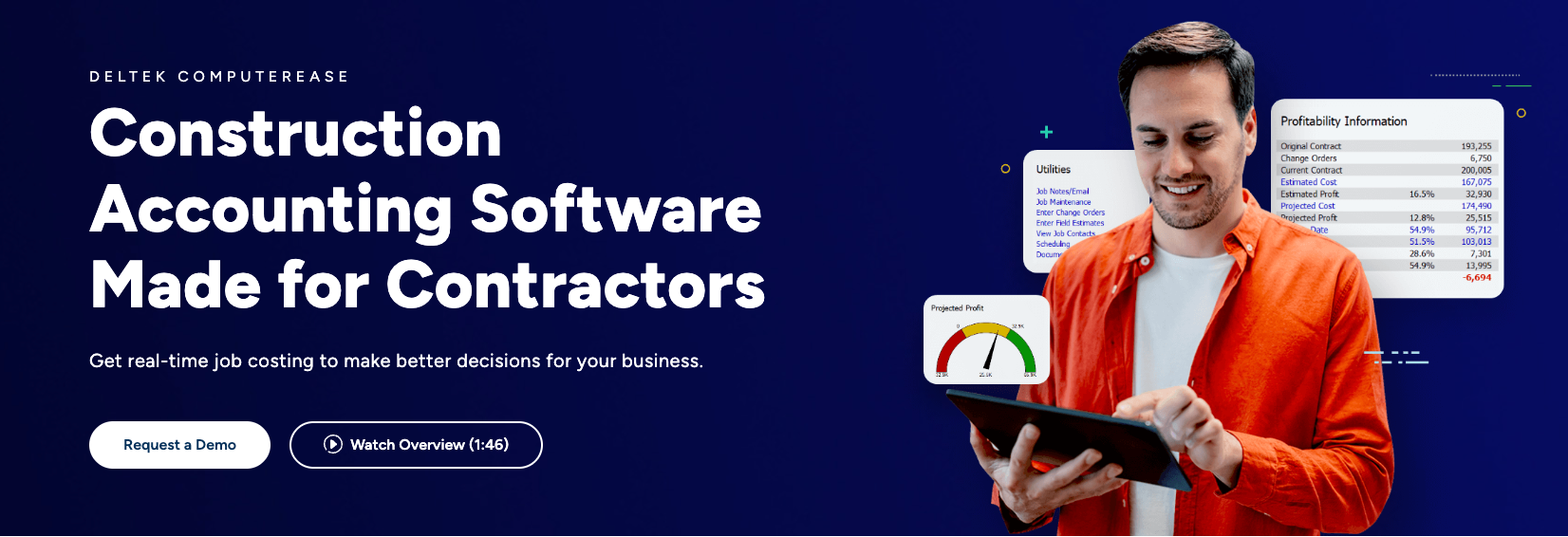
Pricing: Custom quote only, targeted at enterprise budgets. V
Best for: Large, global engineering and construction enterprises with complex cost reports, compliance needs, and dedicated IT resources.
How to Choose the Best Job Costing Software
The best job costing software depends on how your team plans, tracks, and bills projects. These factors below help you narrow down the right option.
Does it connect time tracking with real project costs?
Accurate job costing starts with time tracking. Look for software that links timesheets directly to projects and phases, so labour costs are captured in real time, not estimated later. This ensures your costing reflects actual work done. Milient does this particularly well by connecting time entries directly to budgets and project performance.
.png?width=2000&name=Does%20it%20connect%20time%20tracking%20with%20real%20project%20costs%20(2).png)
Worth reading:
 Getting accurate cost data only works if your team is actually logging time. Here's how to make timesheet completion a habit.
Can you monitor budgets and costs as projects progress?
Job costing isn’t just about tracking costs, it’s about controlling them. The best tools let you compare planned vs actual budgets as work progresses, helping you spot overruns early and adjust before margins are impacted. With Milient, budgets update dynamically as time and expenses are logged, giving you real-time control.
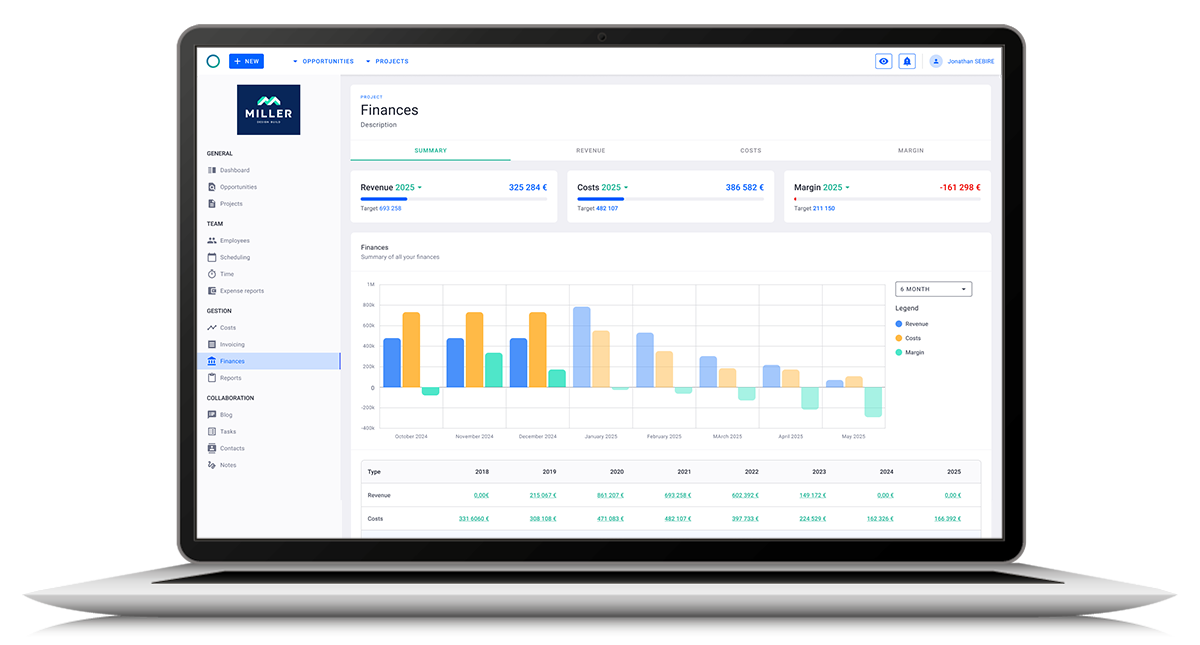
Does it give a full view of project profitability?
To make better decisions, you need a complete view of costs, including salaries, overheads, and expenses, not just billable time. Look for tools that bring everything together in one place. Milient provides a clear breakdown of all cost components, helping teams understand true project profitability at any stage.
Turn Every Project Into a Profitable Win With Accurate Job Costing
For general bookkeeping with basic job costing, QuickBooks Online is a strong starting point. While NetSuite or Deltek Vantagepoint may be the right fit for enterprise-scale operations.
If you run an architecture, engineering, or IT consultancy and need more than basic tracking, you’ll want a system that connects the full project lifecycle, from initial proposal through to final invoice, with clear visibility into costs and margins at every stage. That’s where Milient’s Project Flow stands out.
 Andrea Neeve
Marketing Associate
Want more content like this? Follow Milient:

/hubplanner_resource.png?width=1024&height=1024&name=hubplanner_resource.png)